
Payments end to end
Every payment flow of @buildbase/sdk in one running example app: plans, credits, usage, sales, disputes and payouts, paid with Stripe test cards.
The Kiln Market example app, built on @buildbase/sdk, runs every payment
flow BuildBase offers with real Stripe test-mode money. It has two halves:
- Kiln Studio, where the app sells its own plans to its users (the Billing module): trials, upgrades, seats, add-ons, credits, usage and failed payments.
- Kiln Market, where the app's users sell to each other (Commerce): items, carts, coupons, subscriptions, disputes and payouts.
Each flow below starts on a page of the app, pays on Stripe's hosted Checkout page with a Stripe test card, and names the SDK hooks and components it uses and the docs page that explains it.
Note
About the example. Every screenshot is from the Kiln Market example app running against a Staging environment with Stripe test keys. An automated harness repeats each flow below and checks it in the app, on BuildBase and in Stripe.
Before you start
- A BuildBase app with the SDK installed (installation).
- Stripe connected in a Staging environment with test keys (connect Stripe), so nothing real is charged.
- For the selling half, Stripe Connect on in test mode (zero to first sale).
Test cards used
| Card | What it does |
|---|---|
4242 4242 4242 4242 | Pays |
4000 0000 0000 0002 | Declined |
4000 0027 6000 3184 | Asks for 3-D Secure |
4000 0000 0000 0259 | Pays, then opens a dispute |
pm_card_chargeCustomerFail | Attaches, then fails the next renewal (dunning) |
Stripe lists every test card in its testing docs.
Billing: the app sells its own plan
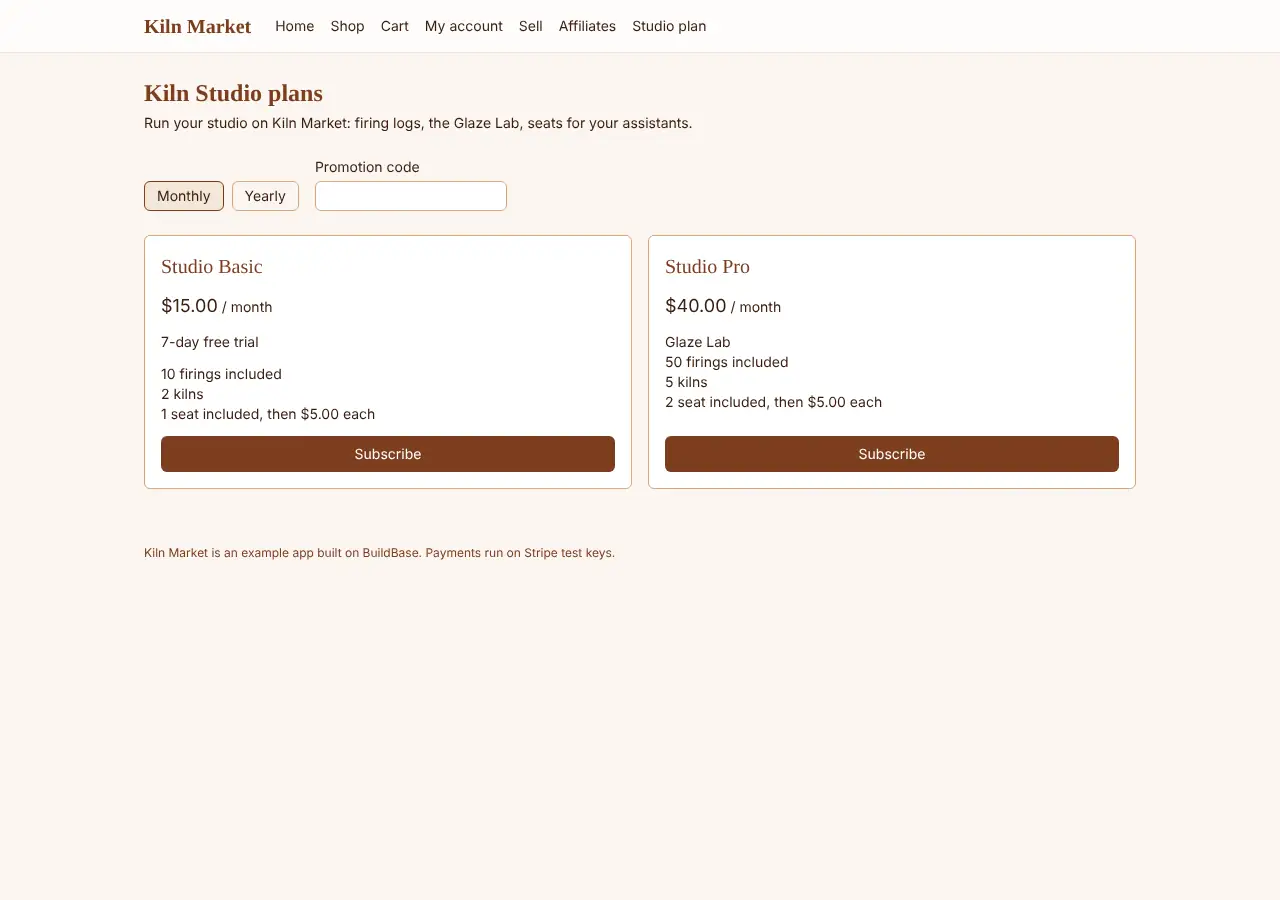
The studio has two plans, Basic and Pro, monthly and yearly, in one published pricing group.
Pricing page and checkout
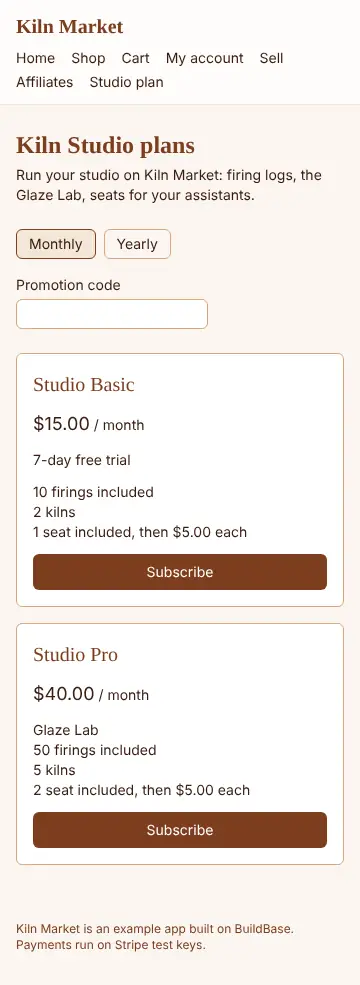
The pricing page renders the published plans with the PricingPage render
prop and starts a subscription with useCreateCheckoutSession. The buyer
pays on Stripe's hosted page.
Docs: pricing page, in-app payment.
Paywall and entitlements
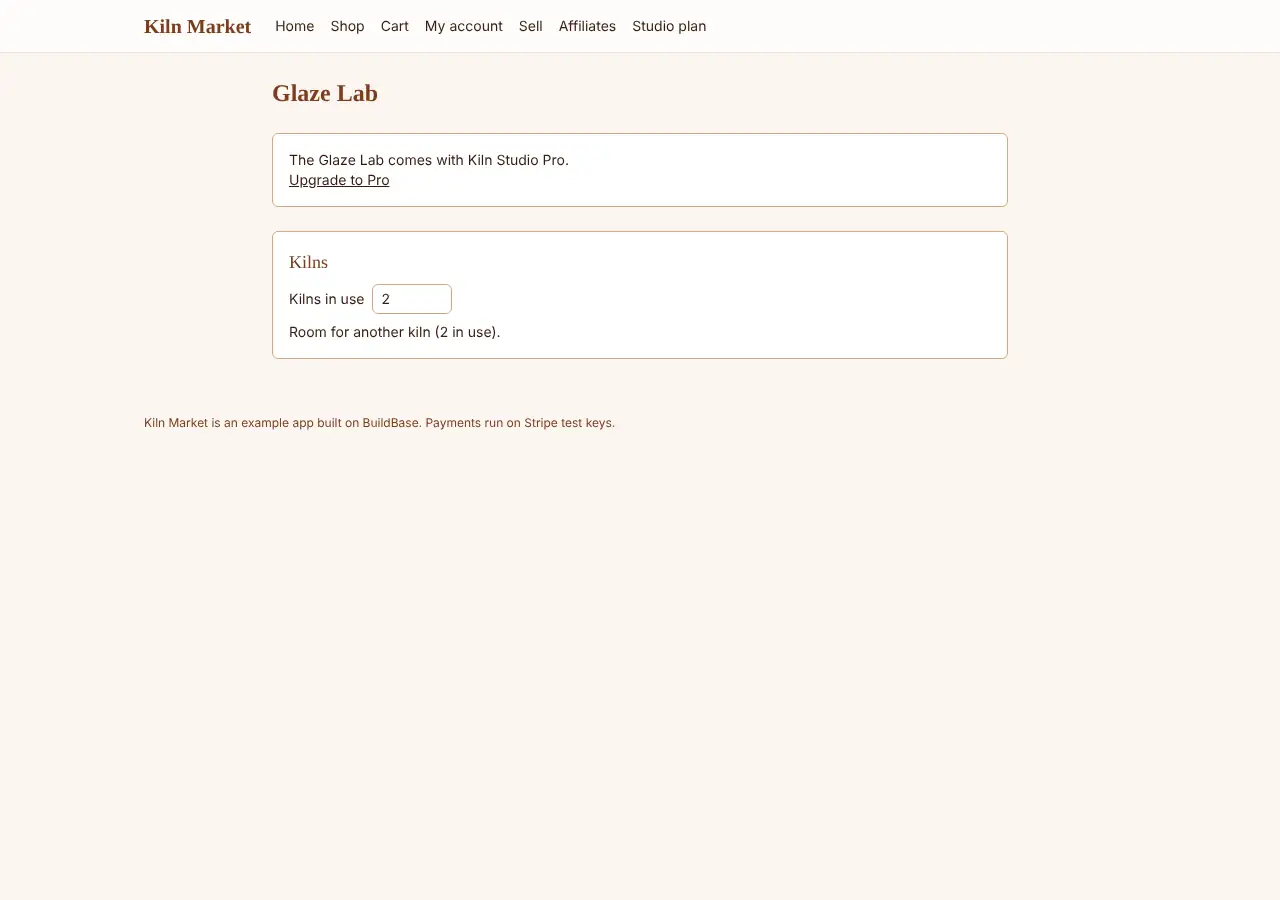
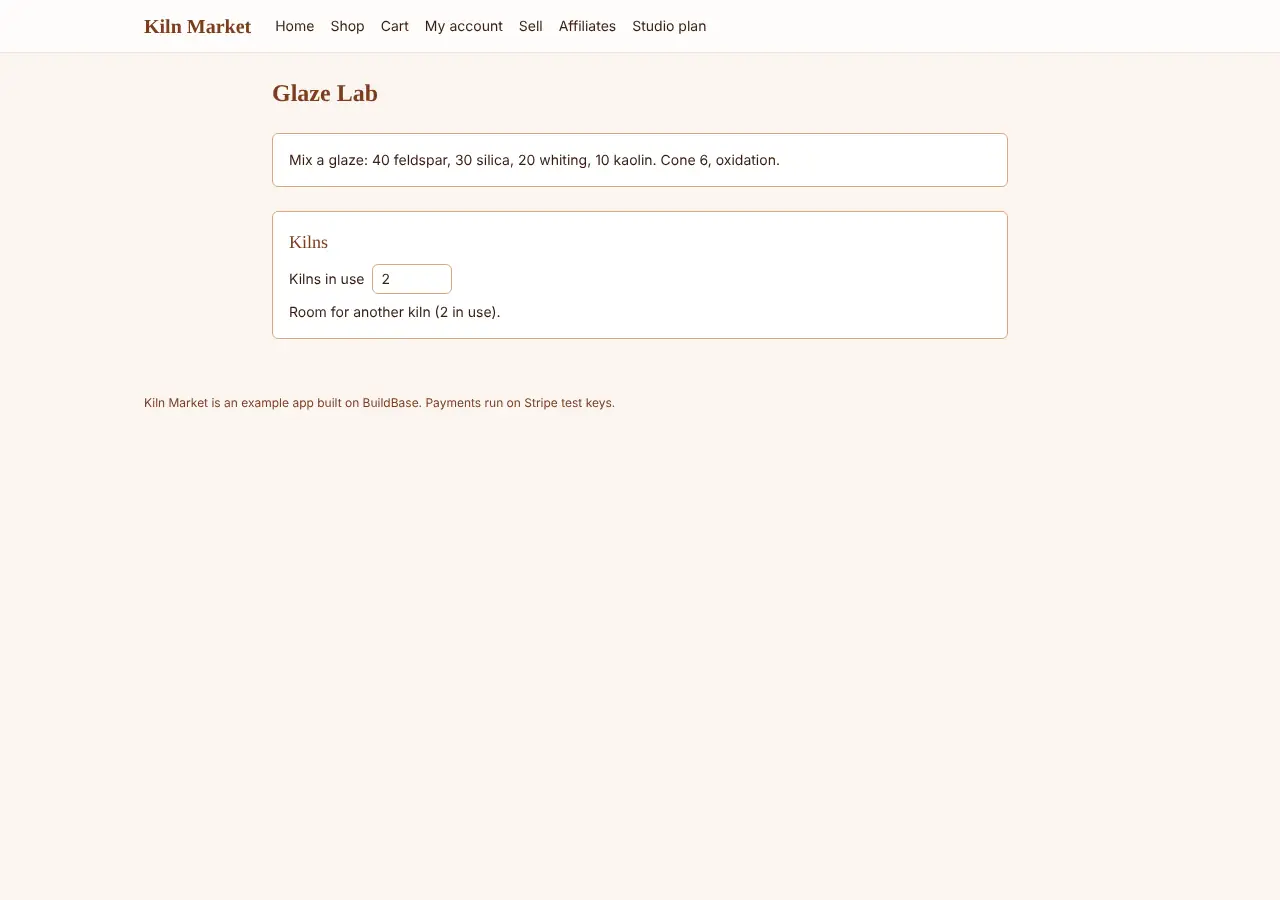
Before a plan, WhenNotEntitled shows an upgrade card in place of the
feature. Once the studio is on Pro, WhenEntitled opens the Glaze Lab.
Docs: entitlements.
Trial, then the first charge
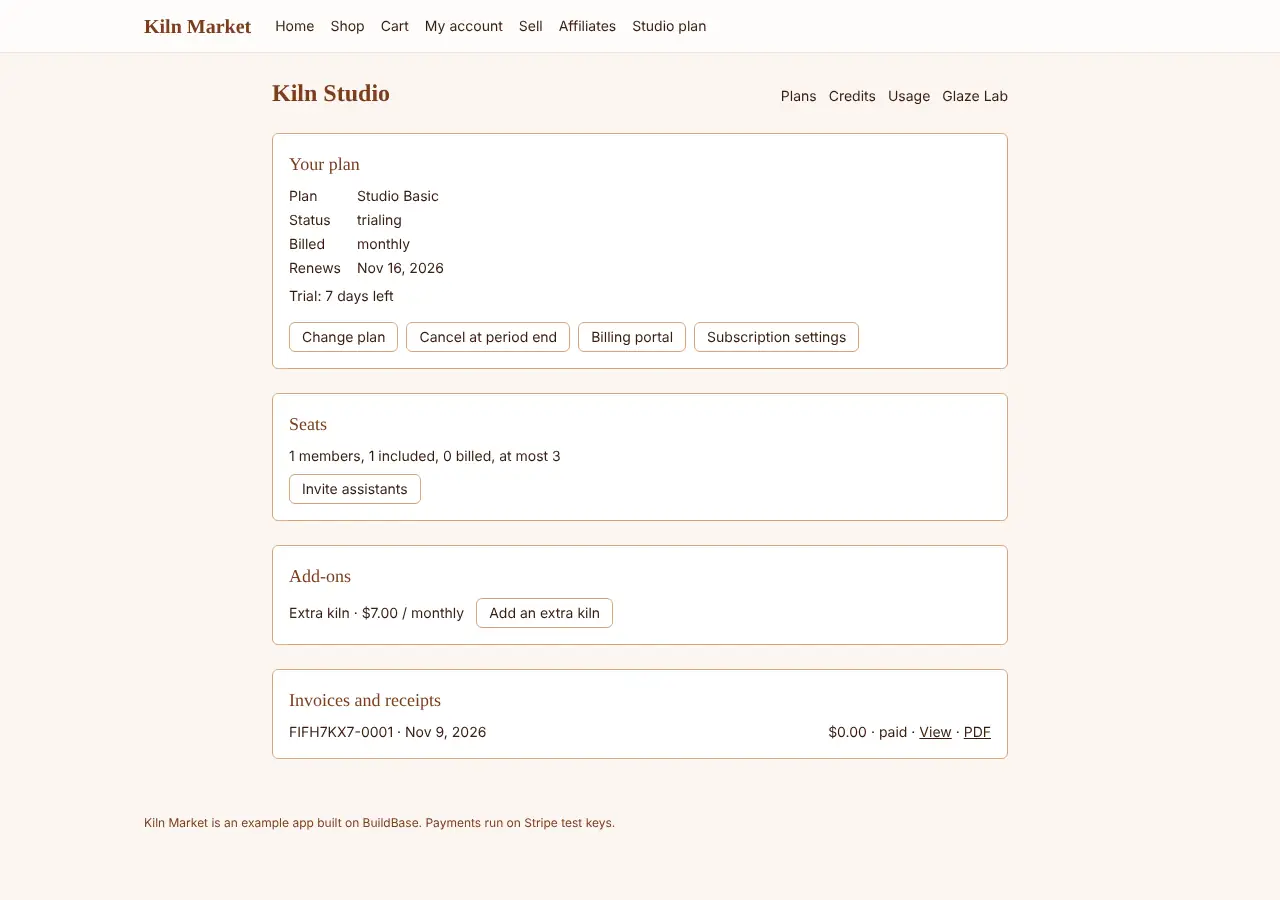
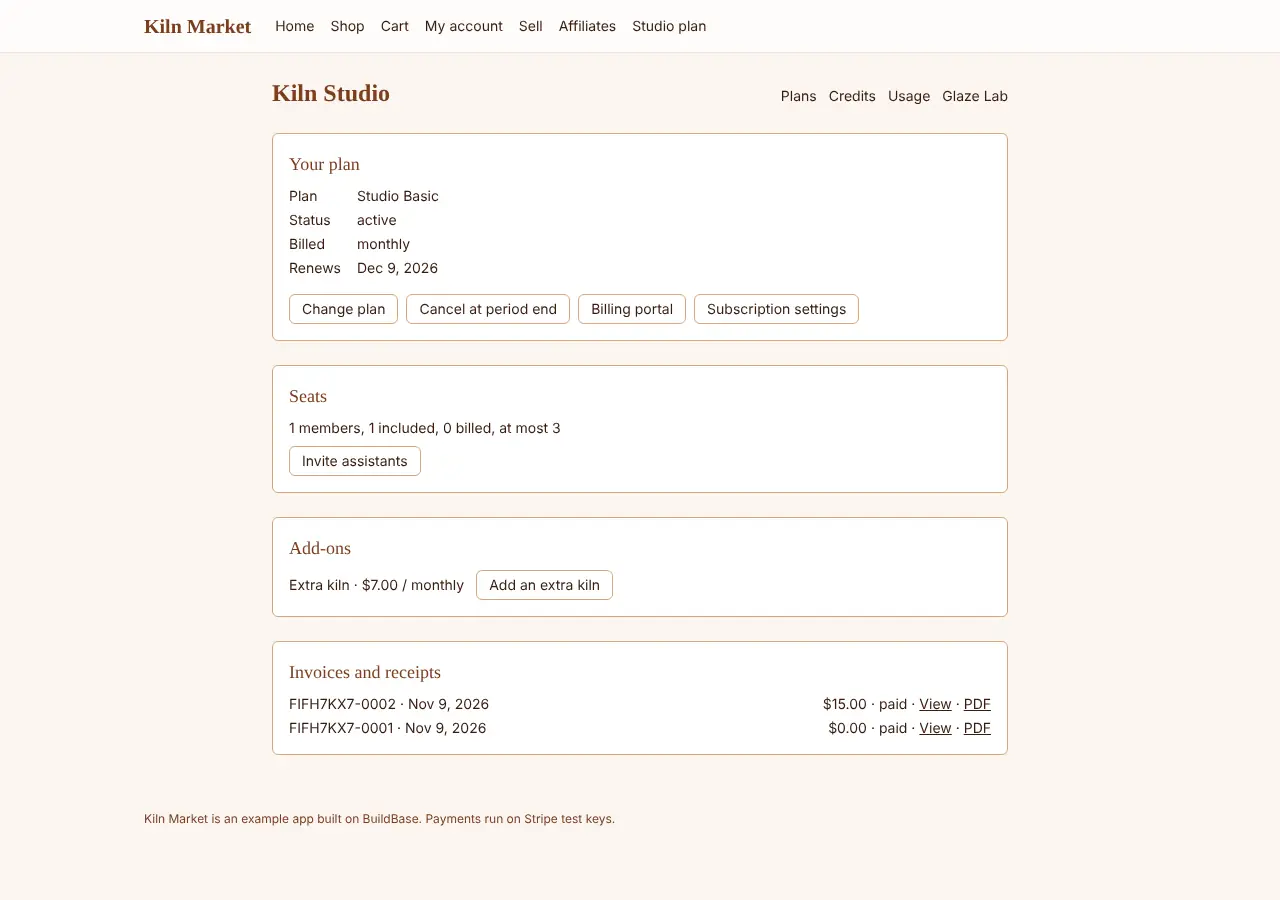
A trial with a card shows as trialing with the days left (useSubscription).
When the trial ends Stripe charges the card and the subscription turns
active; useInvoices lists the paid invoice with its hosted receipt and PDF.
Docs: first subscription.
Upgrade, interval change, downgrade, cancel
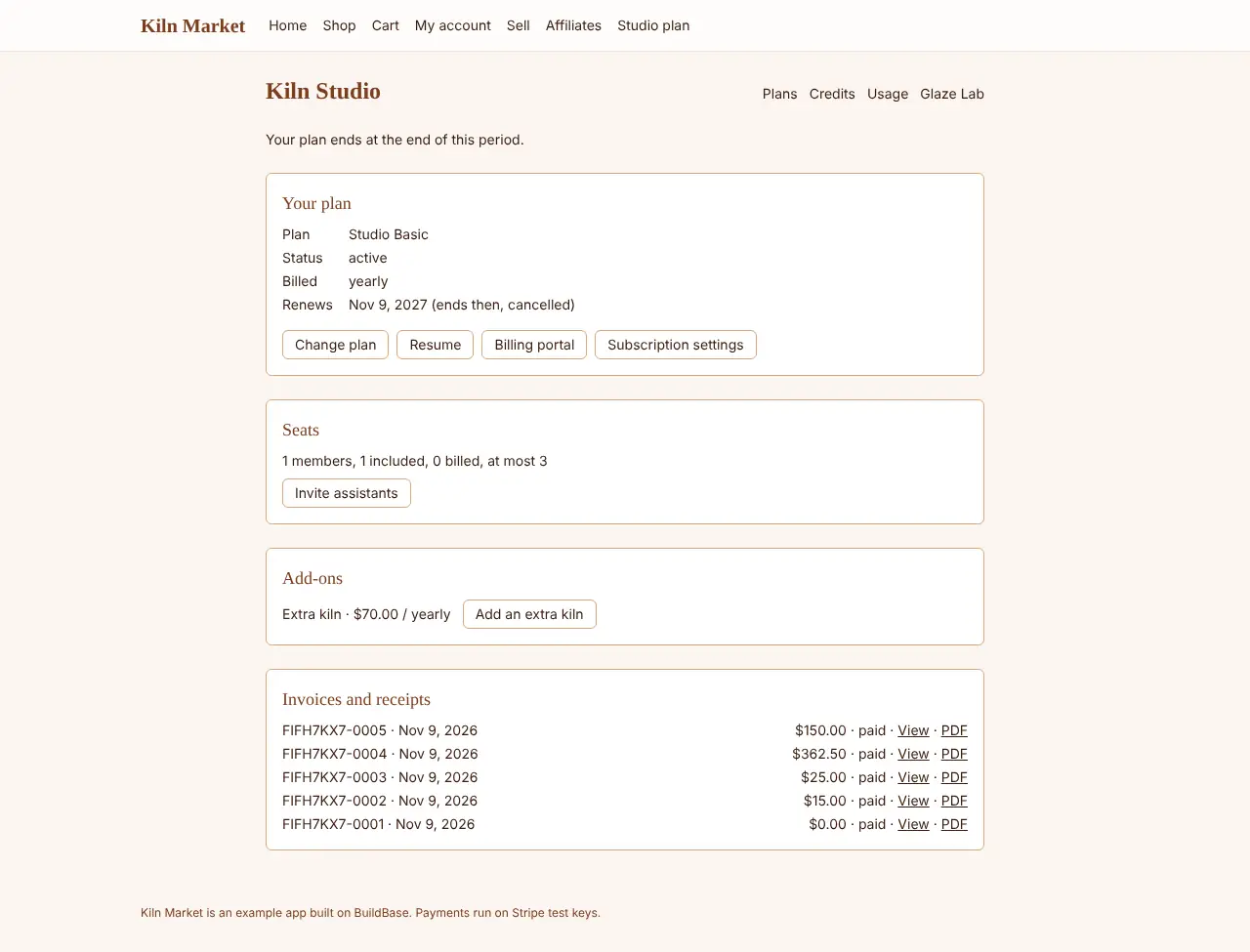
useUpdateSubscription moves Basic to Pro now with a prorated invoice,
monthly to yearly, and Pro back to Basic at the renewal. Cancelling keeps
the plan until the period ends, and the studio can resume before then.
Docs: managing subscriptions.
Usage, overage and quotas
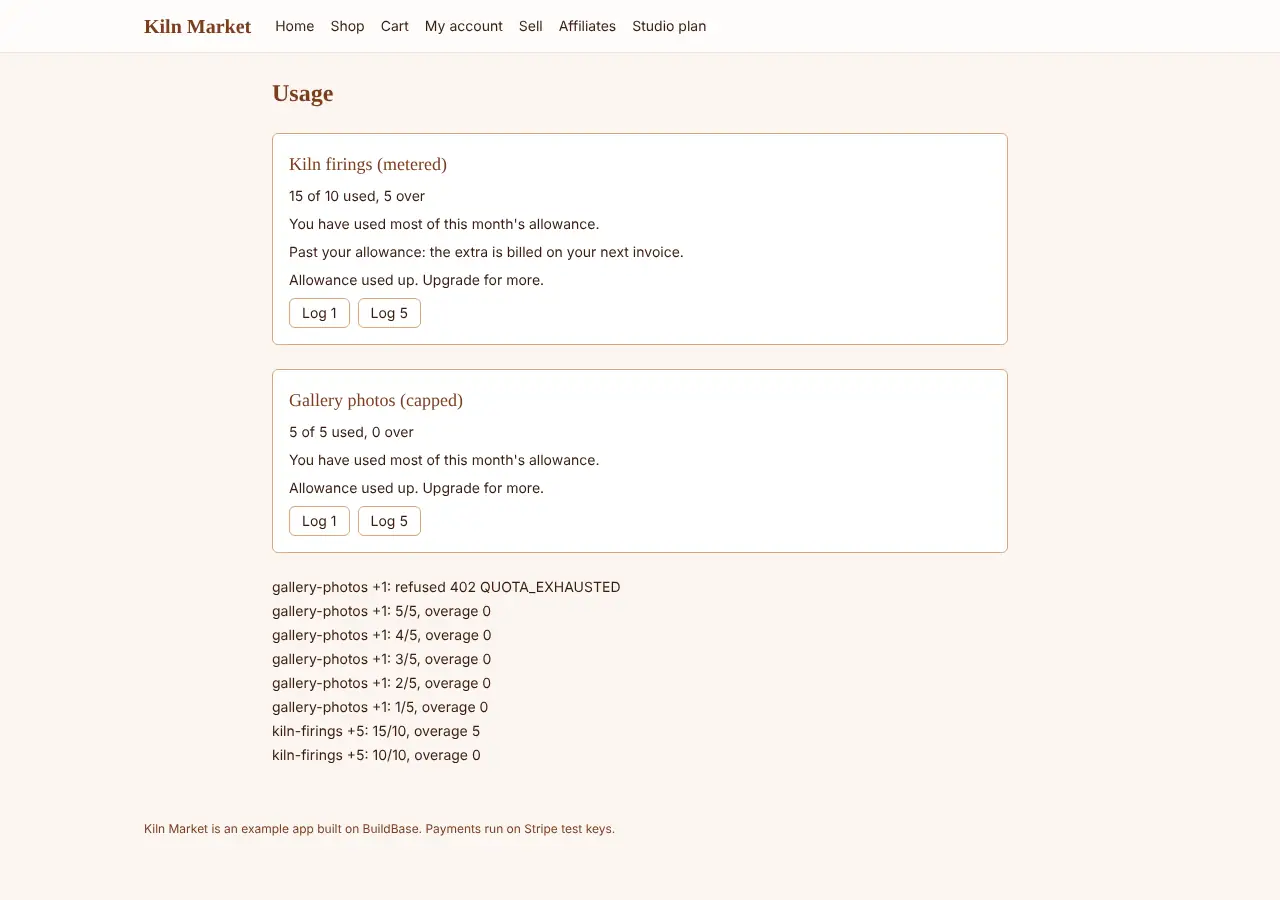
Each firing is recorded with useRecordUsage. Past the 10 included, the
overage goes on the next invoice. A capped quota refuses the next use with
QUOTA_EXHAUSTED, and WhenQuotaExhausted says so.
Docs: quotas.
Seats and add-ons
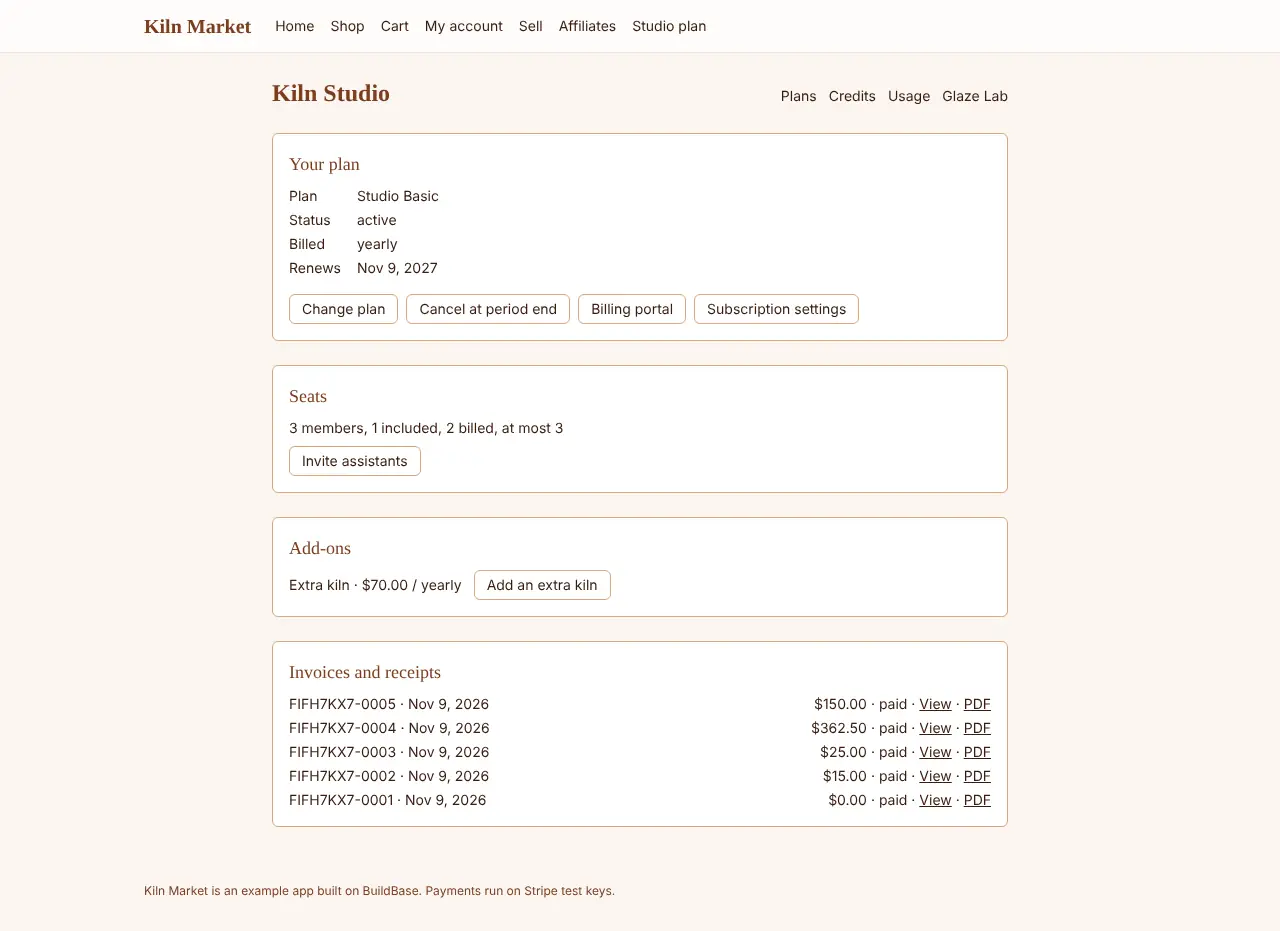
Members past the included seat are billed as seats (useSeatStatus). At the
kiln limit WhenLimitReached offers an extra kiln add-on
(useWorkspaceAddOns, usePurchaseAddOn), which raises the limit.
Credits
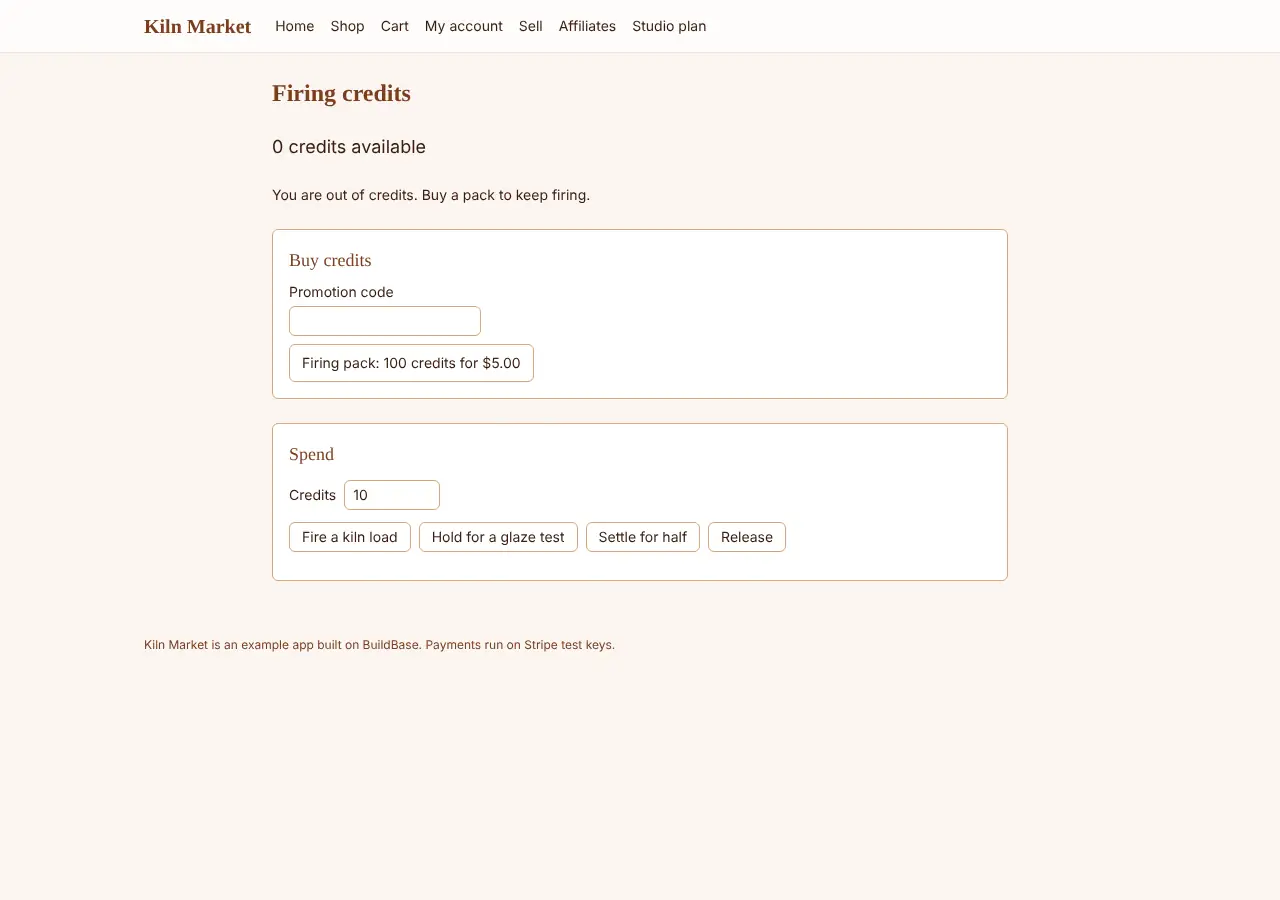
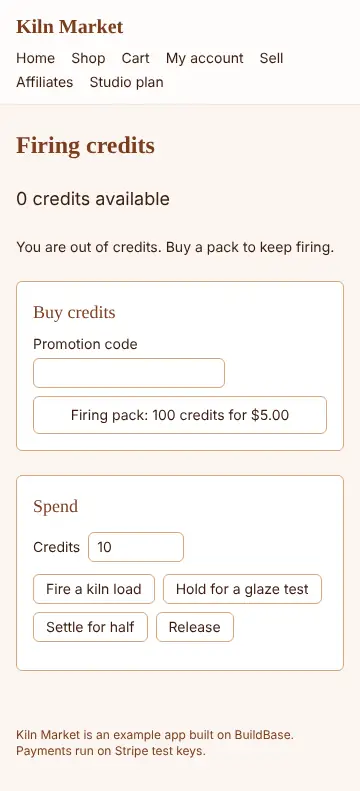
The studio buys a credit pack with a promotion code (usePurchaseCredits),
spends credits (useConsumeCredits), holds some for a long job and settles
what it used (useReserveCredits). Past the balance the platform refuses,
and at zero WhenCreditsExhausted shows.
Docs: credit packages, promotion codes.
Declined card, 3-D Secure and a promotion code
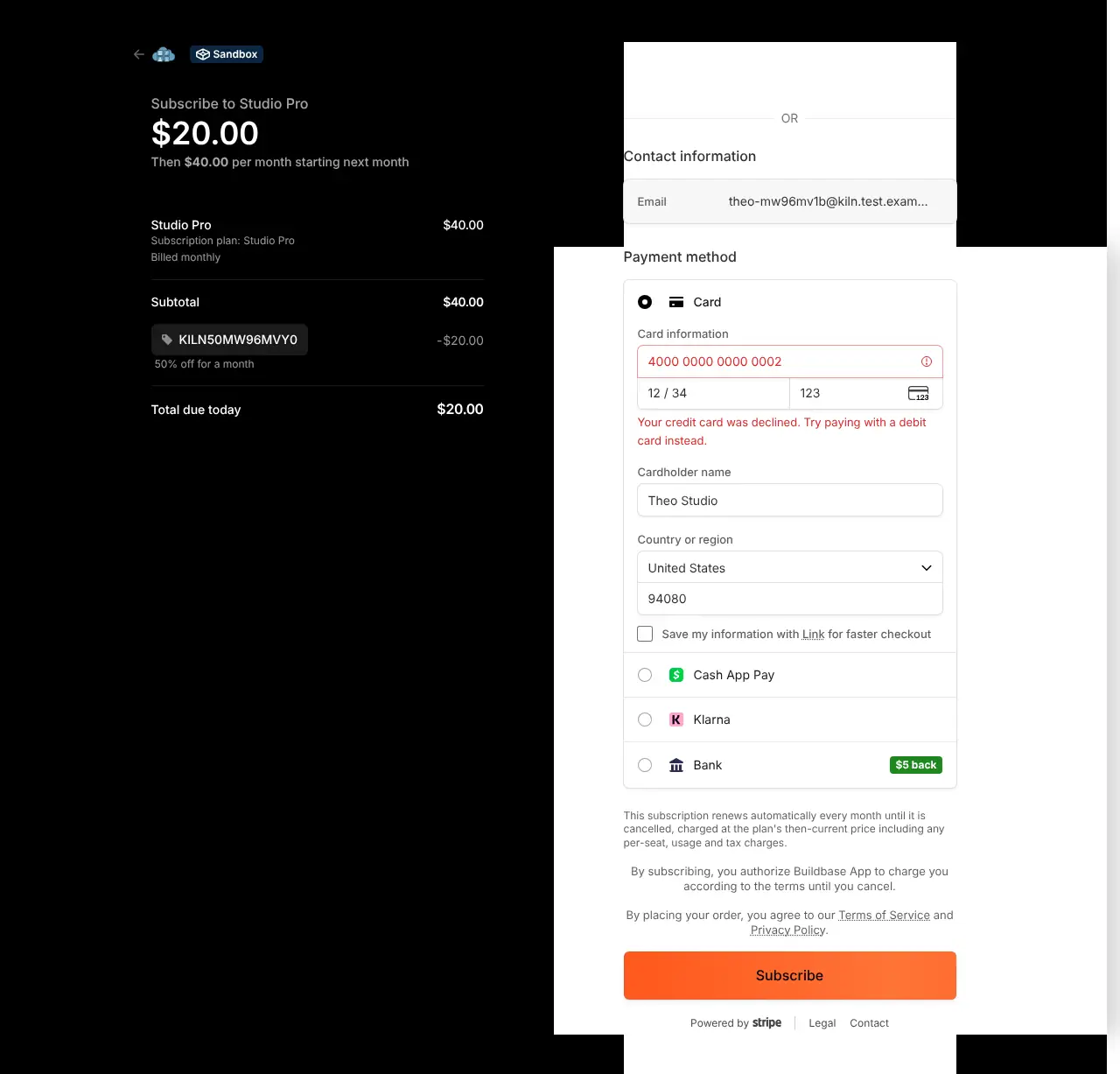
A declined card stays on Stripe's page and nothing is subscribed. The 3-D Secure card asks for the challenge, and once it is completed the subscription starts; a promotion code takes half off.
Docs: promotion codes.
Failed payment and dunning
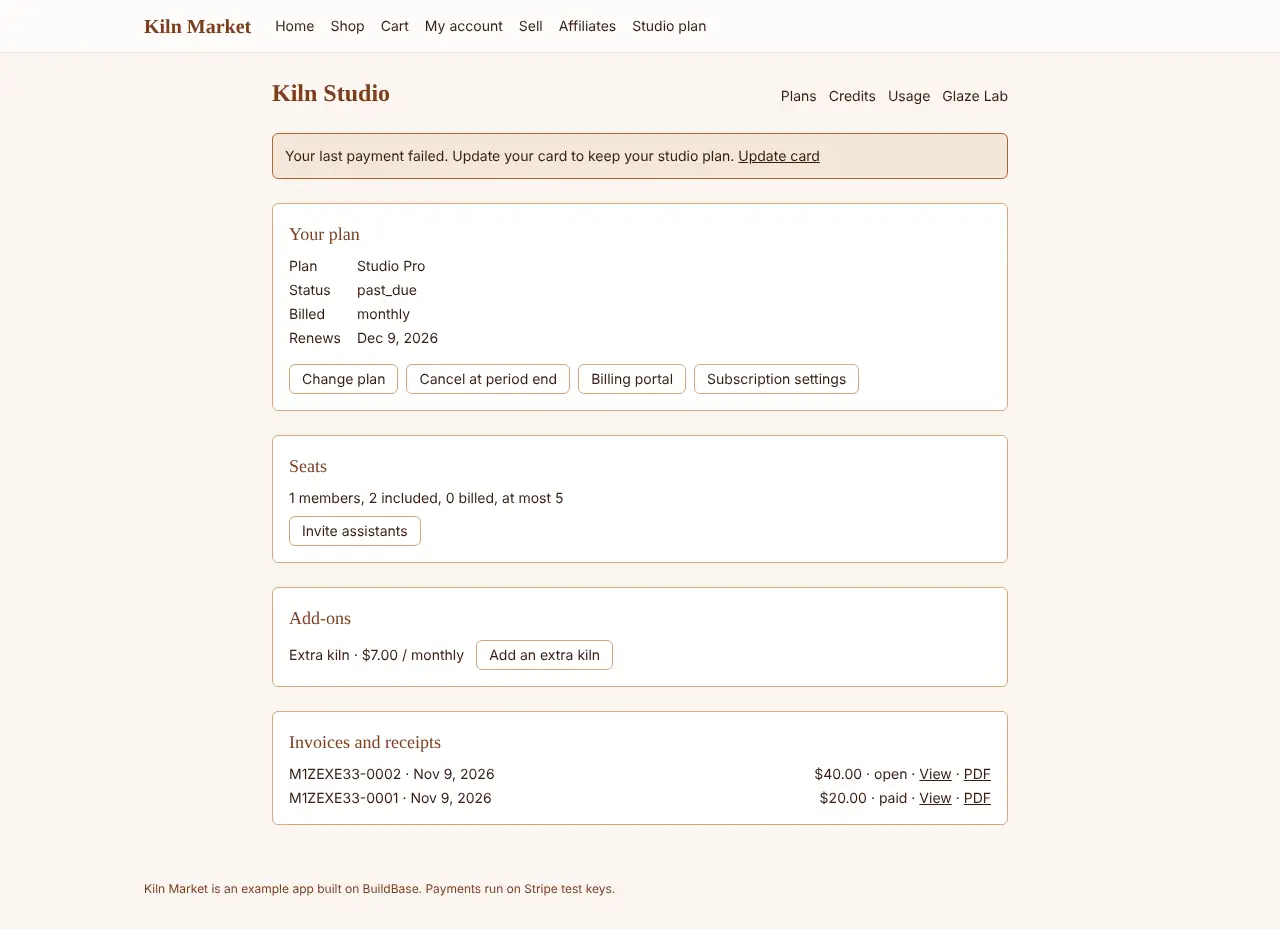
When a renewal fails, the subscription goes past due and the studio shows
an update-card banner (dunningState). A new card pays the open invoice and
the banner goes.
Docs: failed payments.
Customer portal and tax
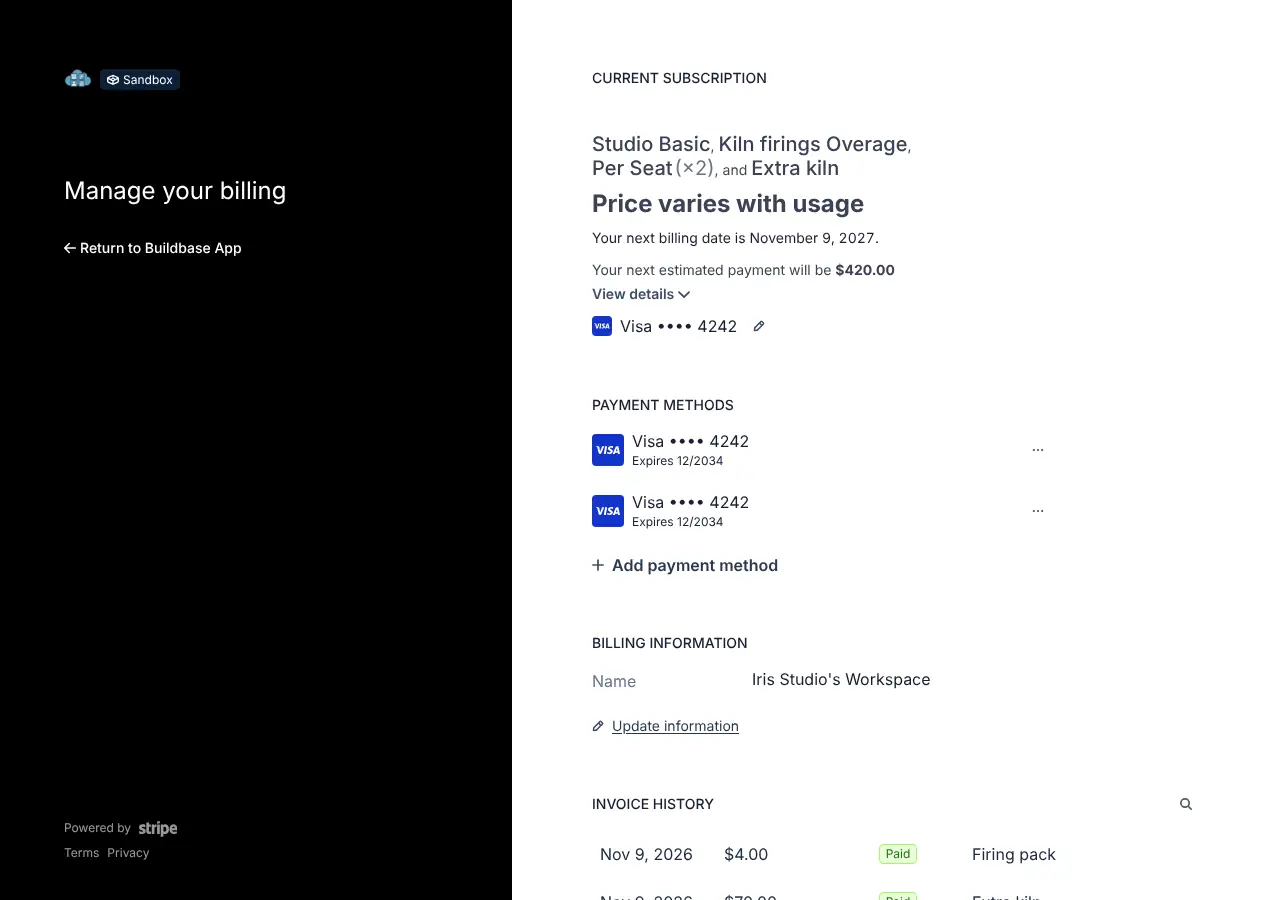
useBillingPortal opens Stripe's customer portal for the studio. With
Stripe Tax on, checkout asks for a billing address and a tax ID and
Stripe works out the tax.
Docs: customer billing settings, tax.
Bank debits
Paying by bank debit (ACH), where the payment succeeds or fails days later, is pending: the example's run for it is written and runs once bank debits are on in the Stripe test account it uses.
Selling: the app's users sell
Potters sell firings, glazes and kiln slots, and buyers shop, fill a cart and pay.
A seller, a person or a workspace
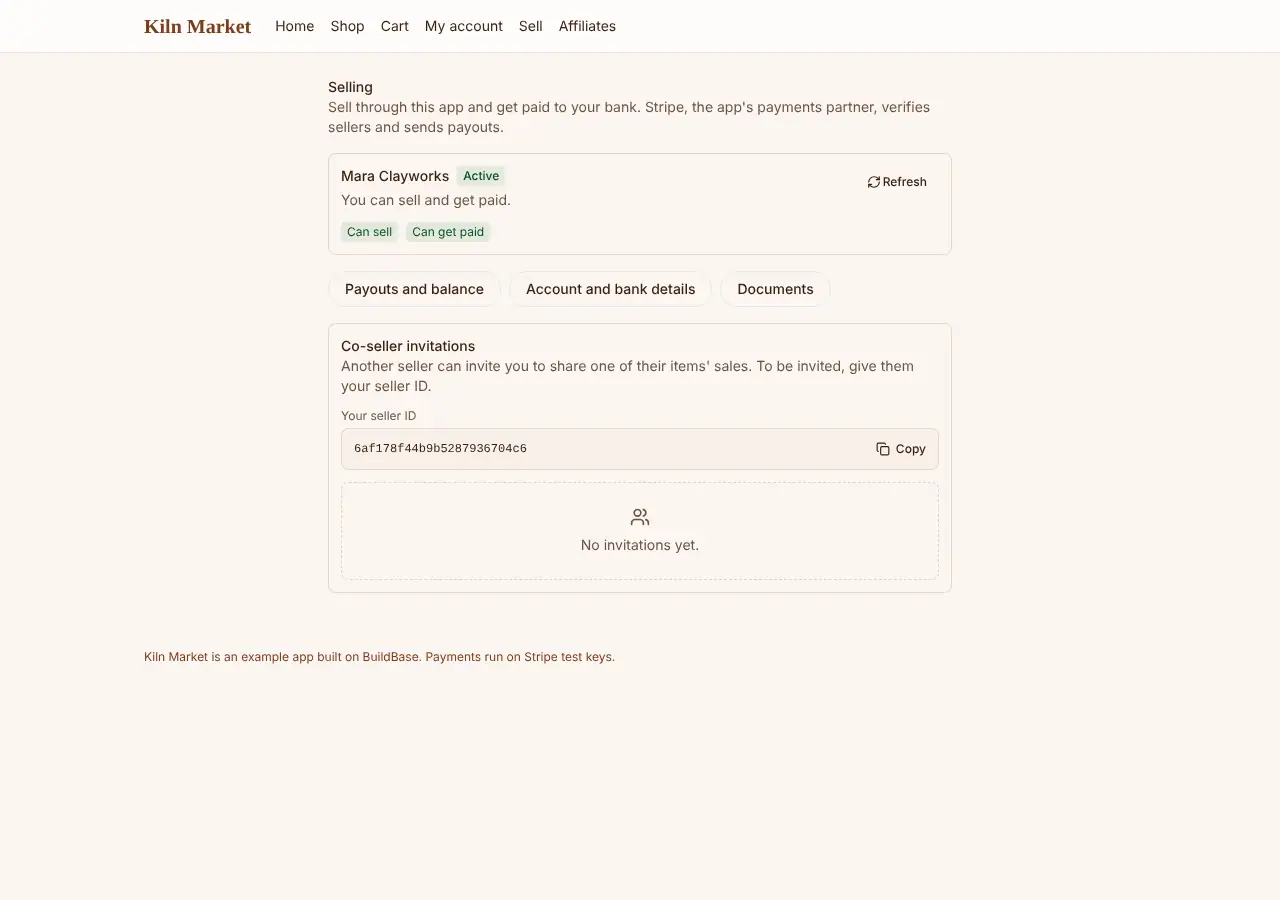
A seller onboards with Stripe, and SellerHome shows what is left to do.
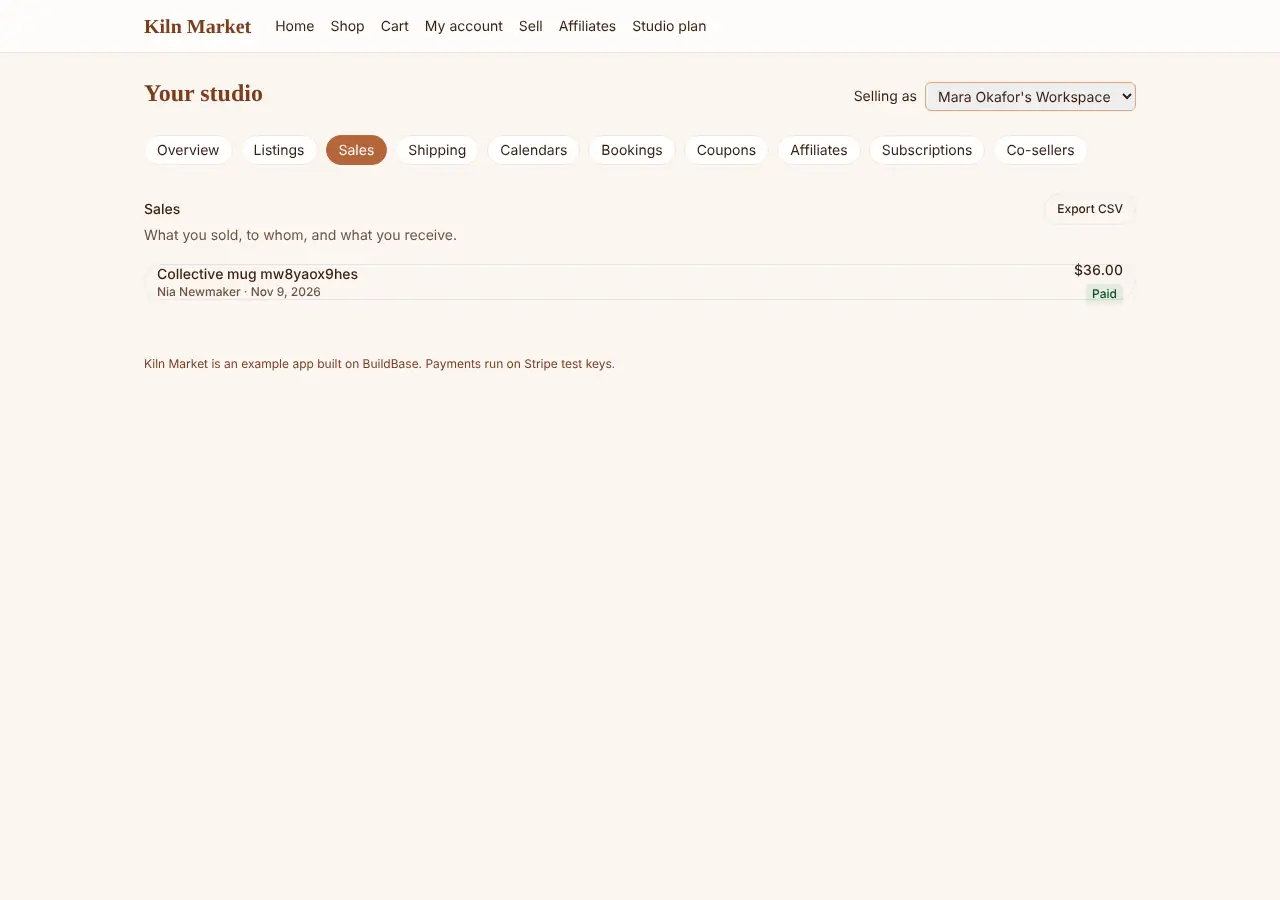
A workspace can sell too: its sales are paid to the workspace's own Stripe
account, and SellerSales with a workspaceId subject lists them.
Docs: selling, zero to first sale: marketplace, zero to first sale: storefront.
Buying: checkout, carts and coupons
A buyer pays for an item on Stripe's hosted page and lands on the paid order. A cart holds several items, from one seller or several, and a coupon takes its discount off before payment.
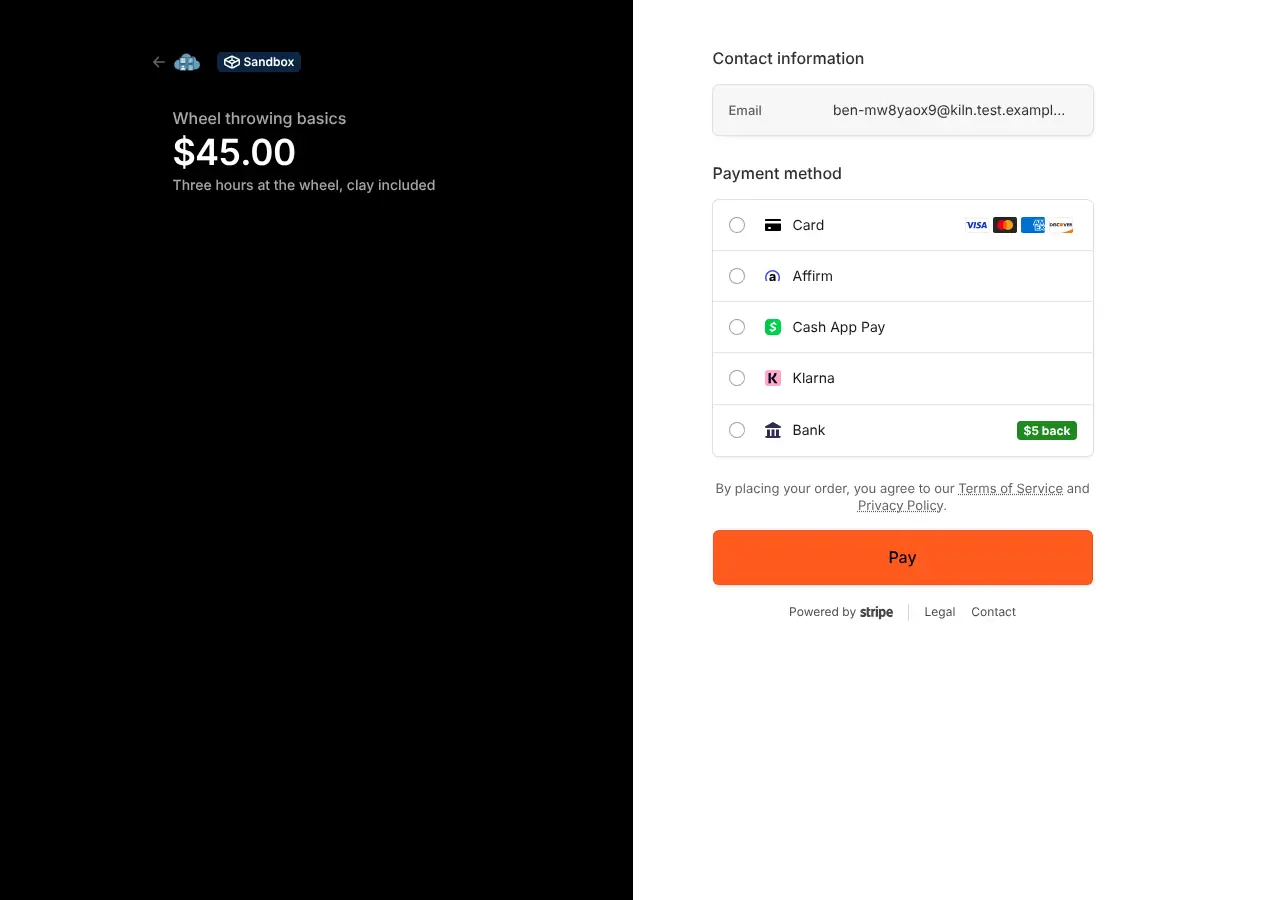
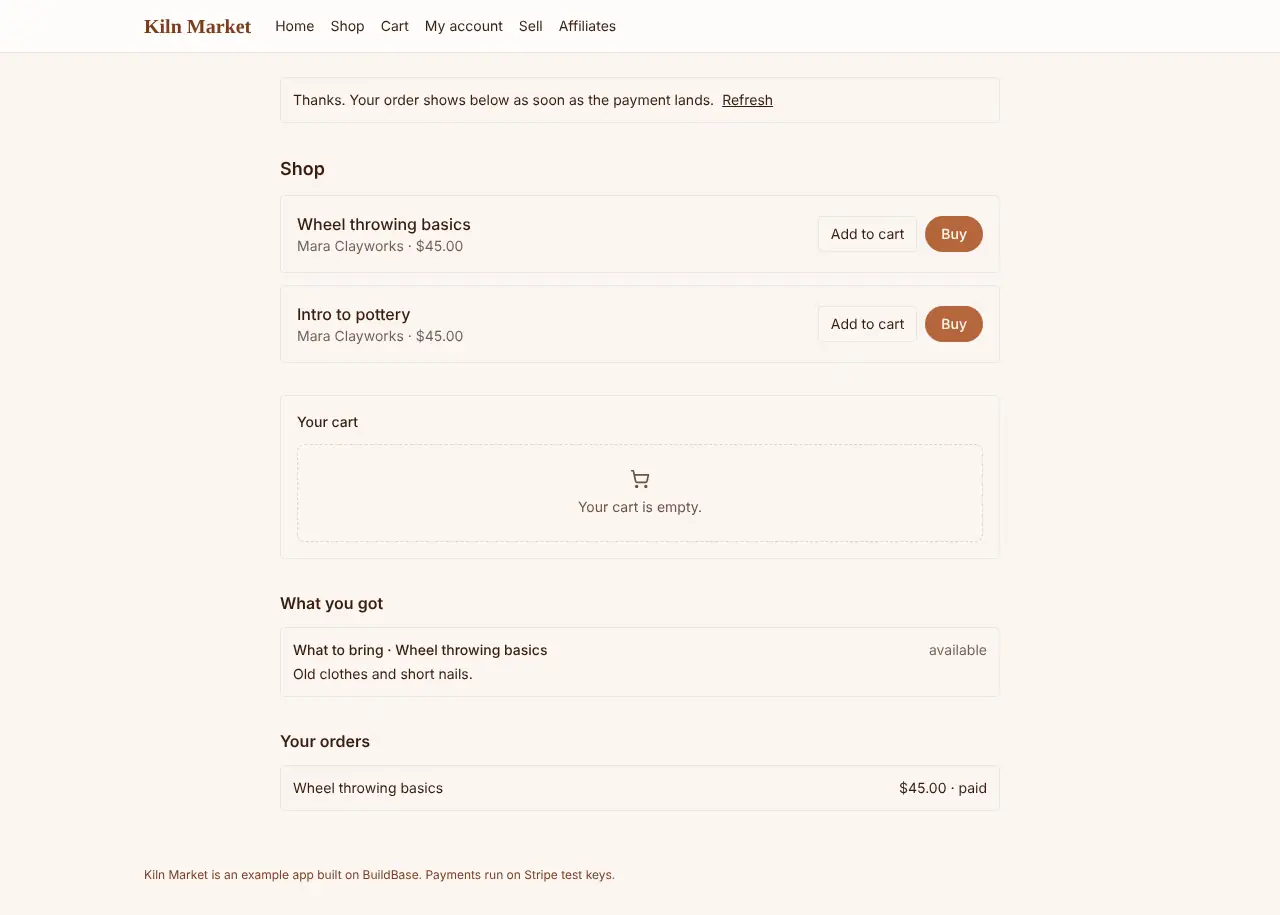
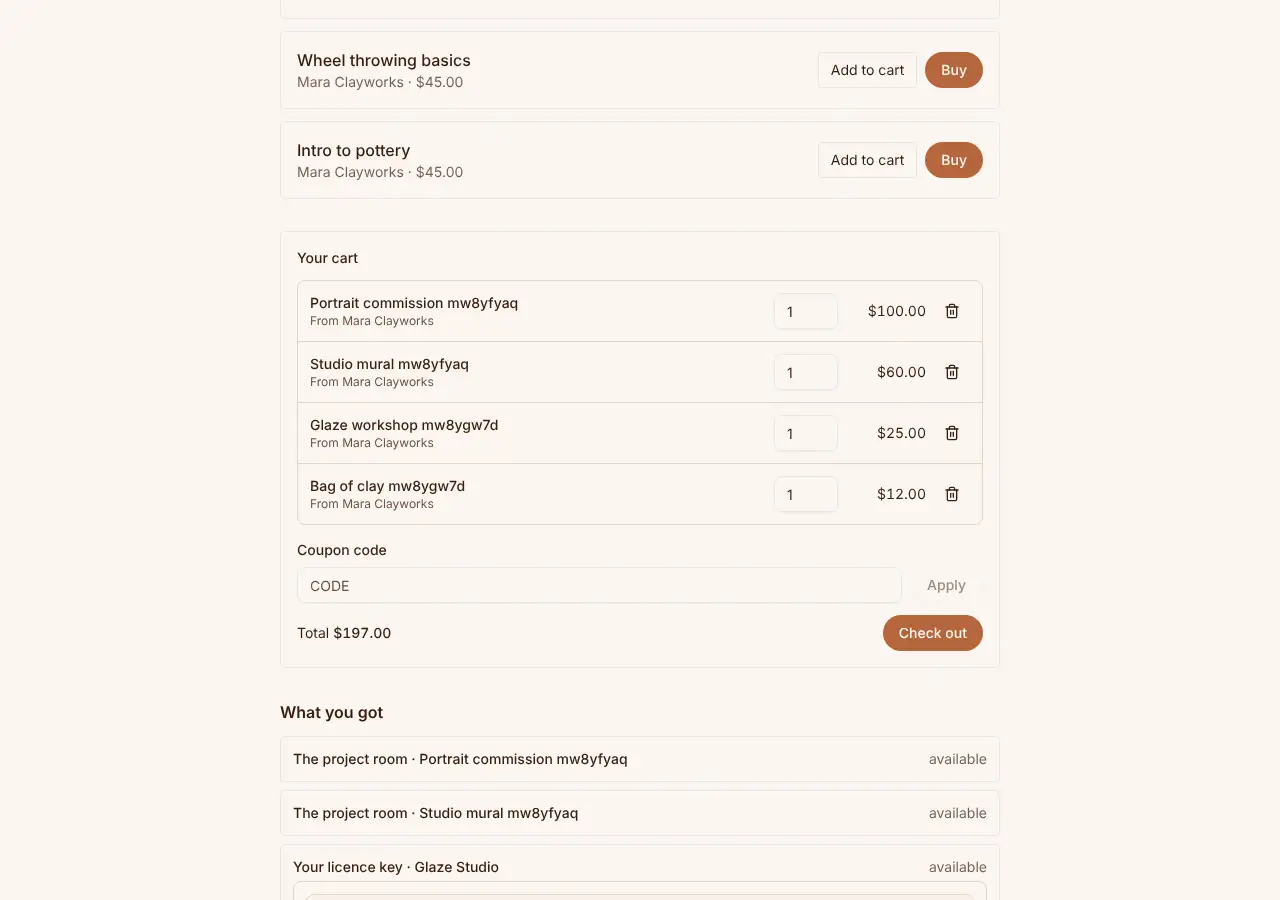
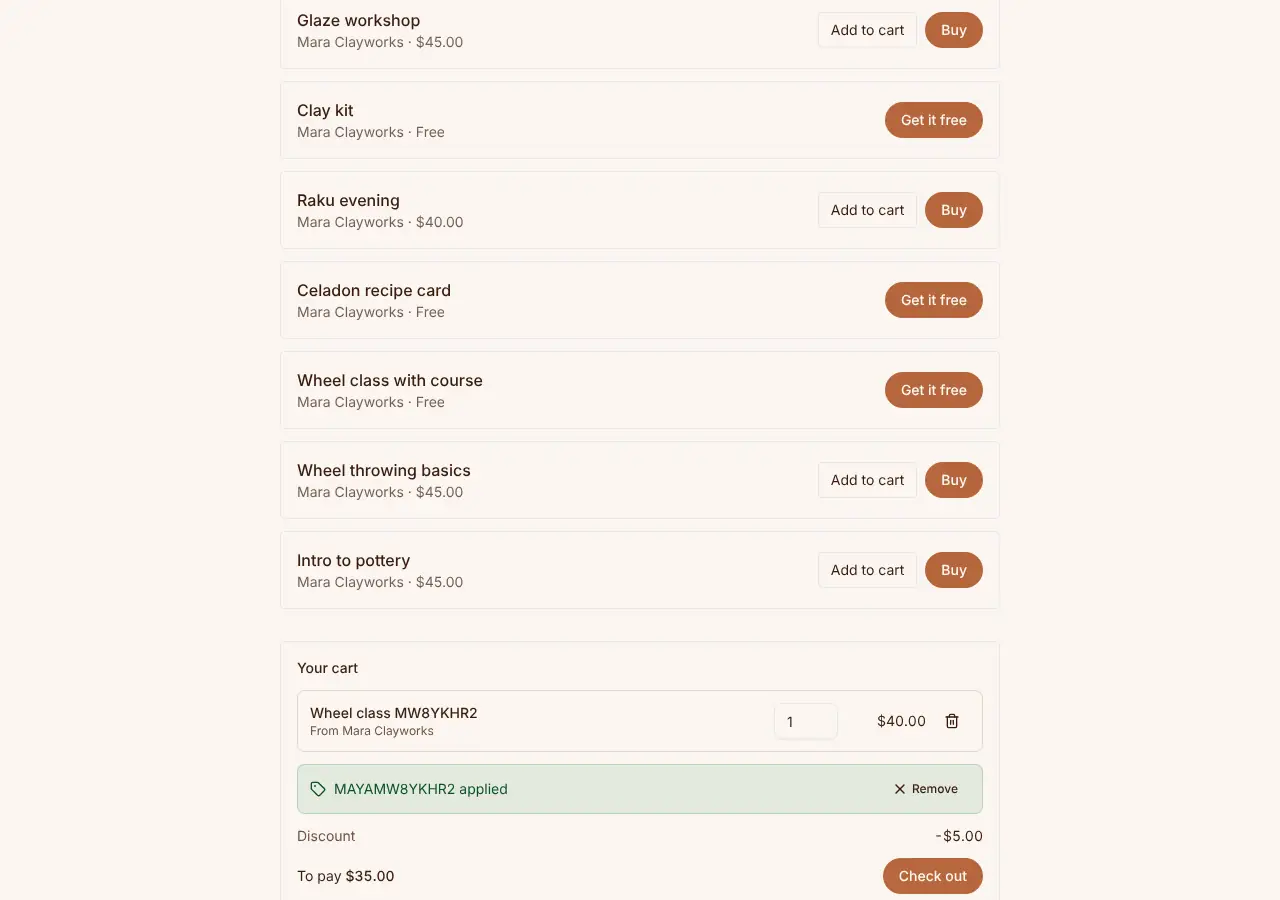
Docs: items, orders, bundles, coupons.
Subscriptions to a seller, and prices in parts
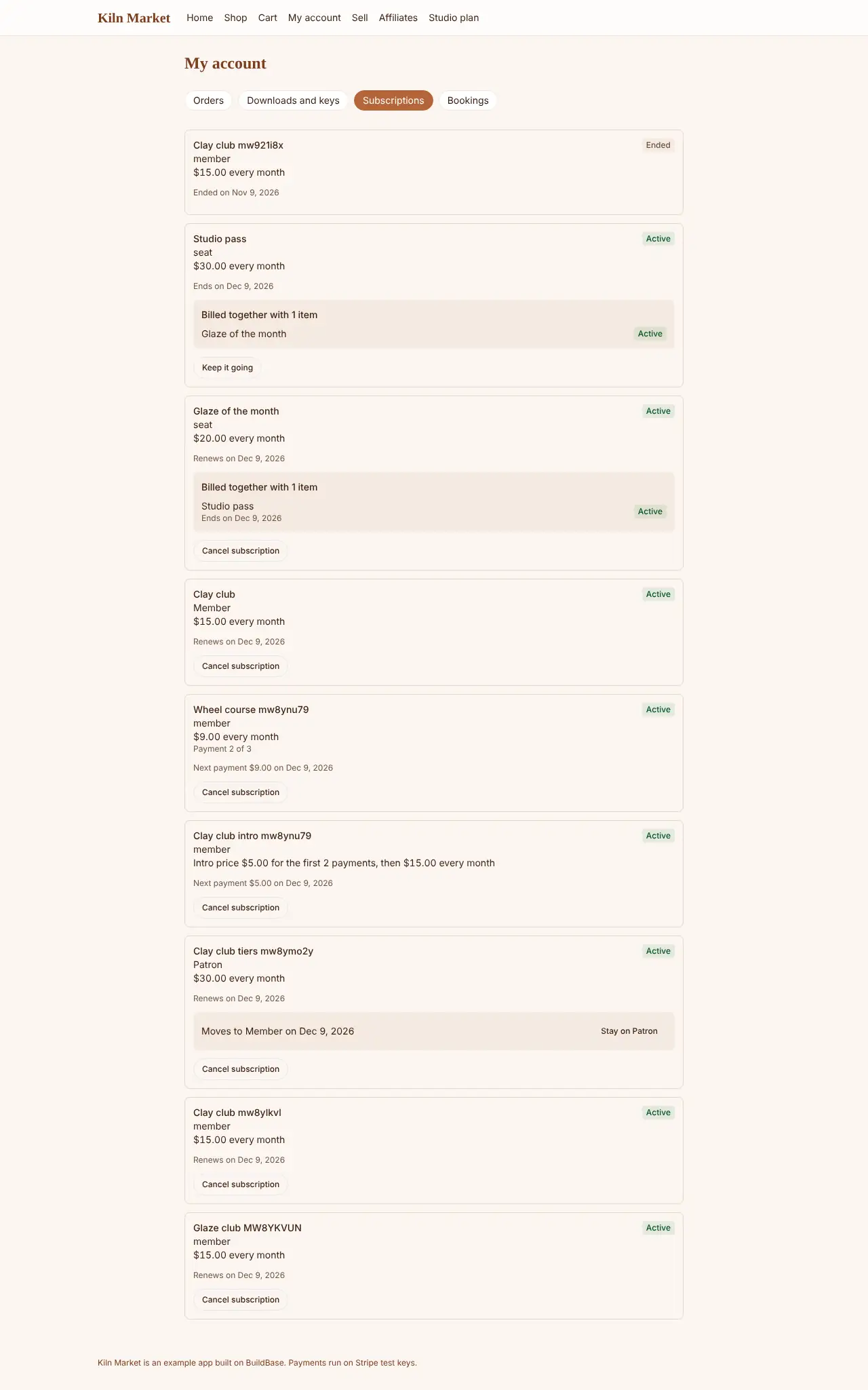
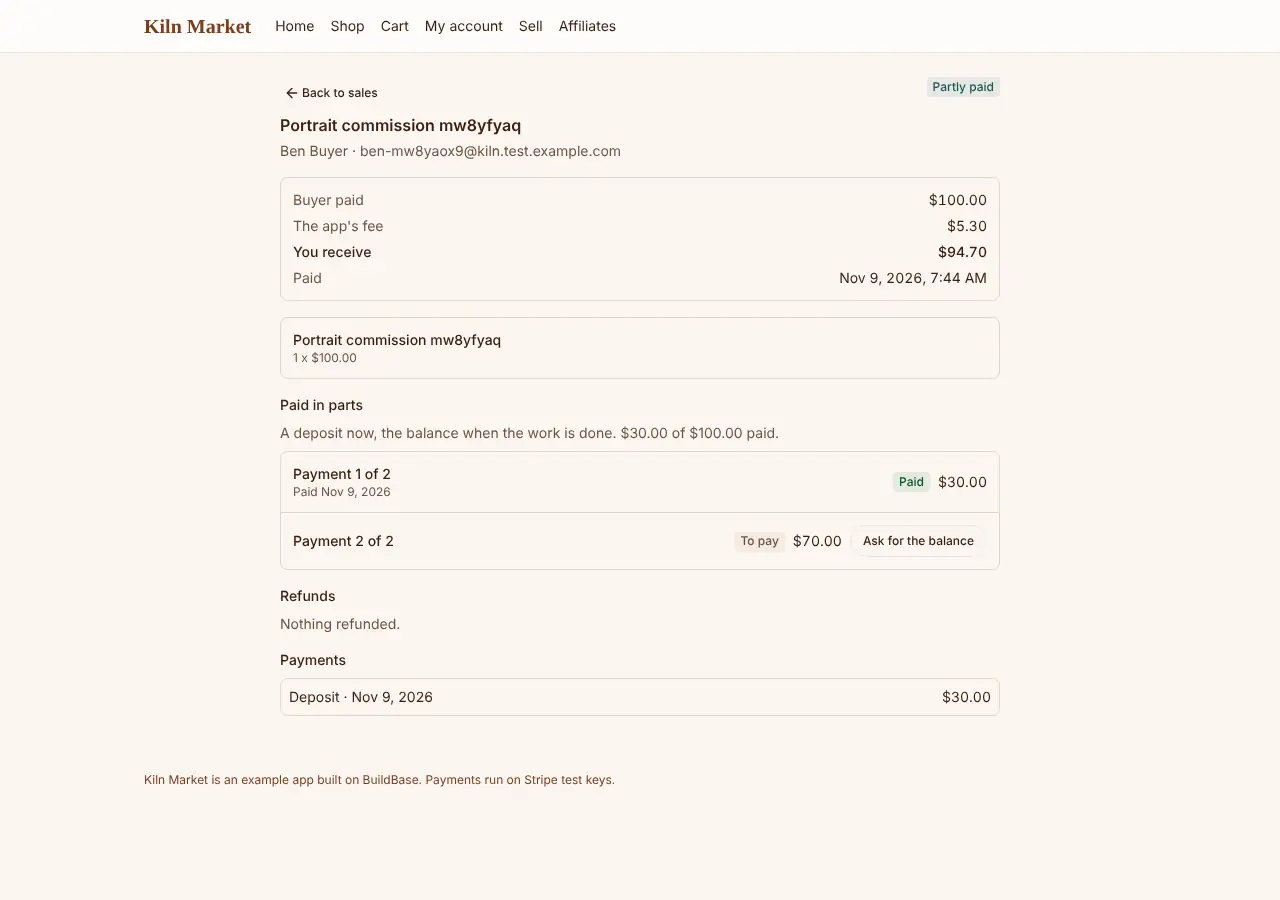
A buyer can subscribe to a seller's item: with an intro price, a set number of payments, or tiers to move between, and several billed together. An item can also be paid in parts: a deposit now and the balance later.
Docs: item types, options.
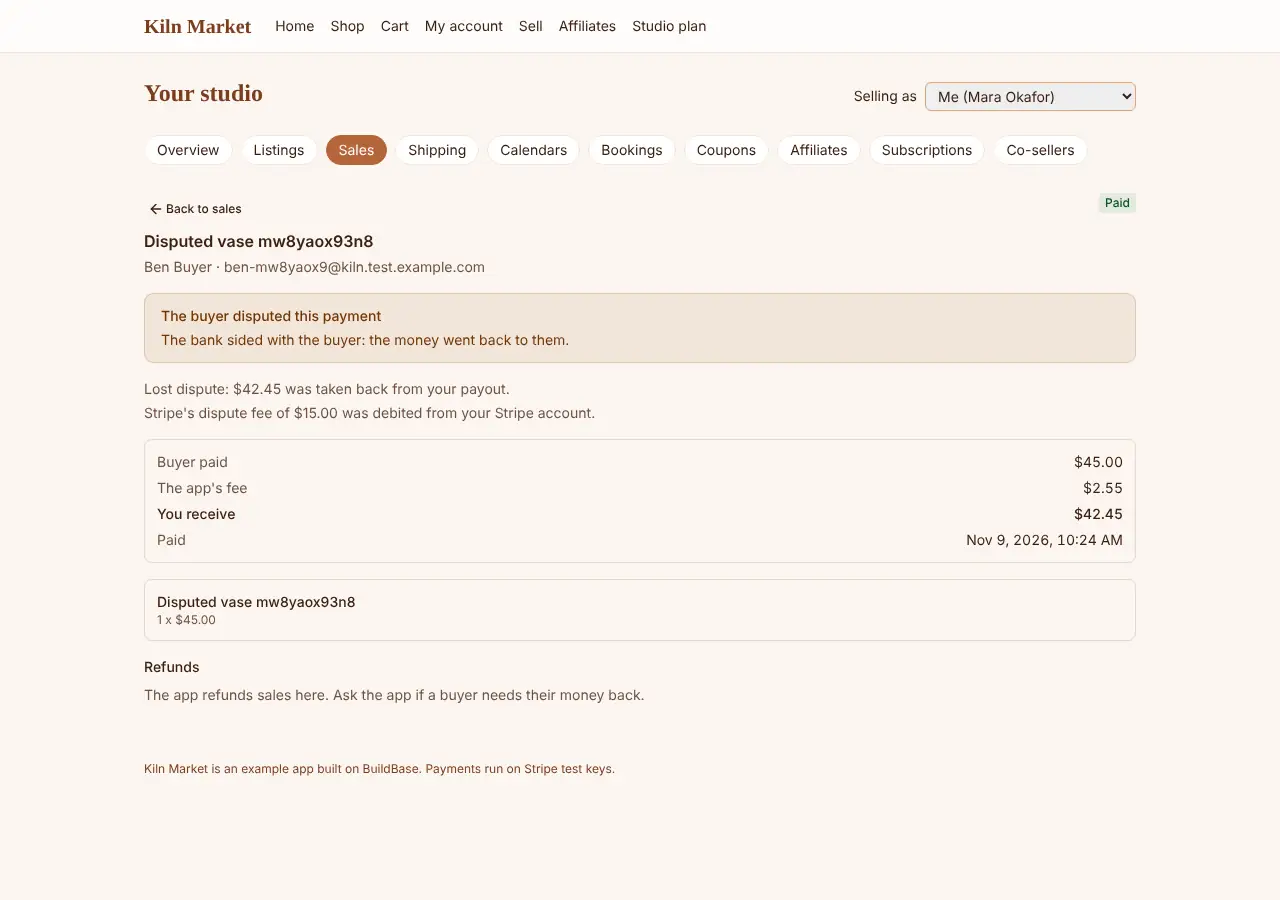
Dispute fees, disputes and payouts
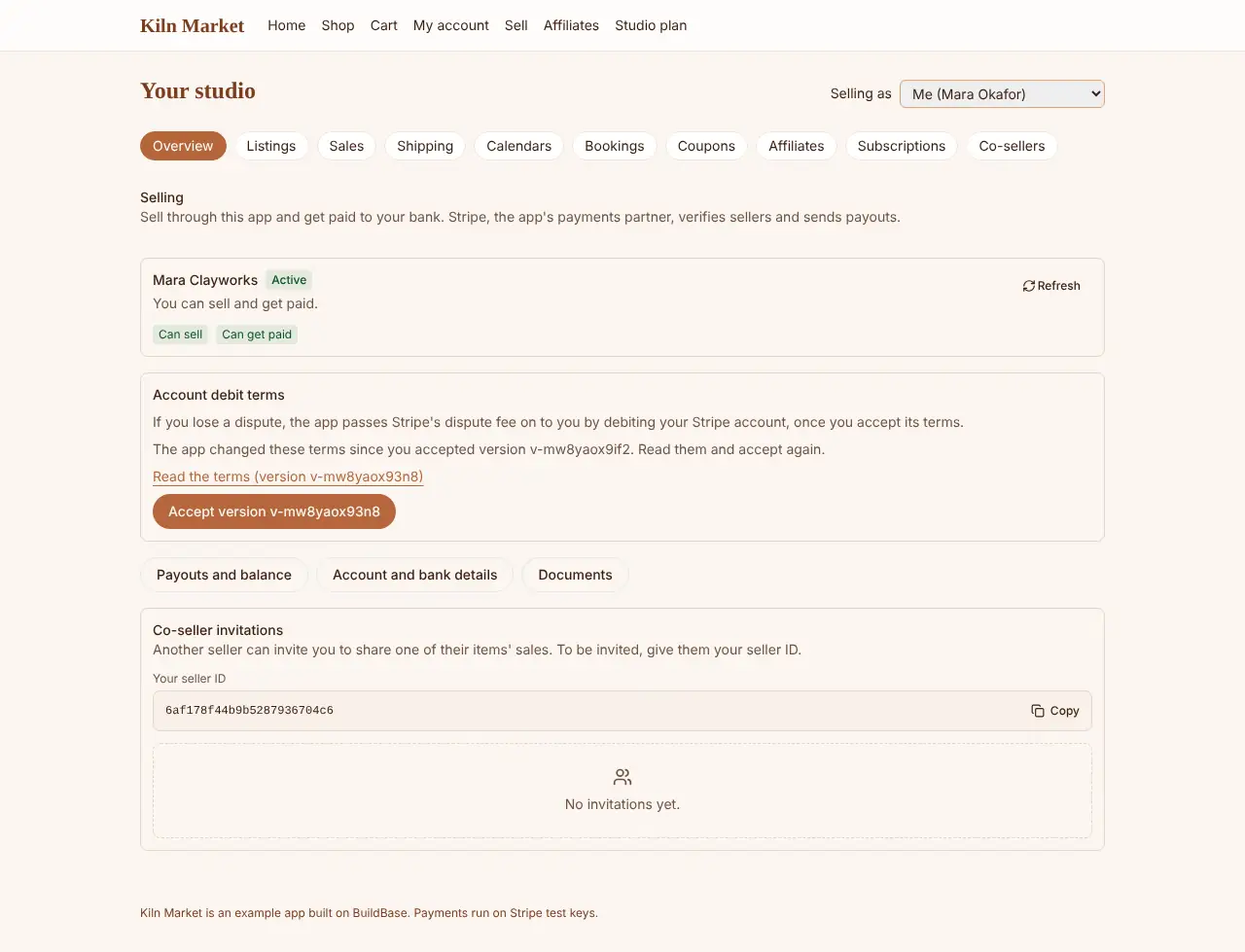
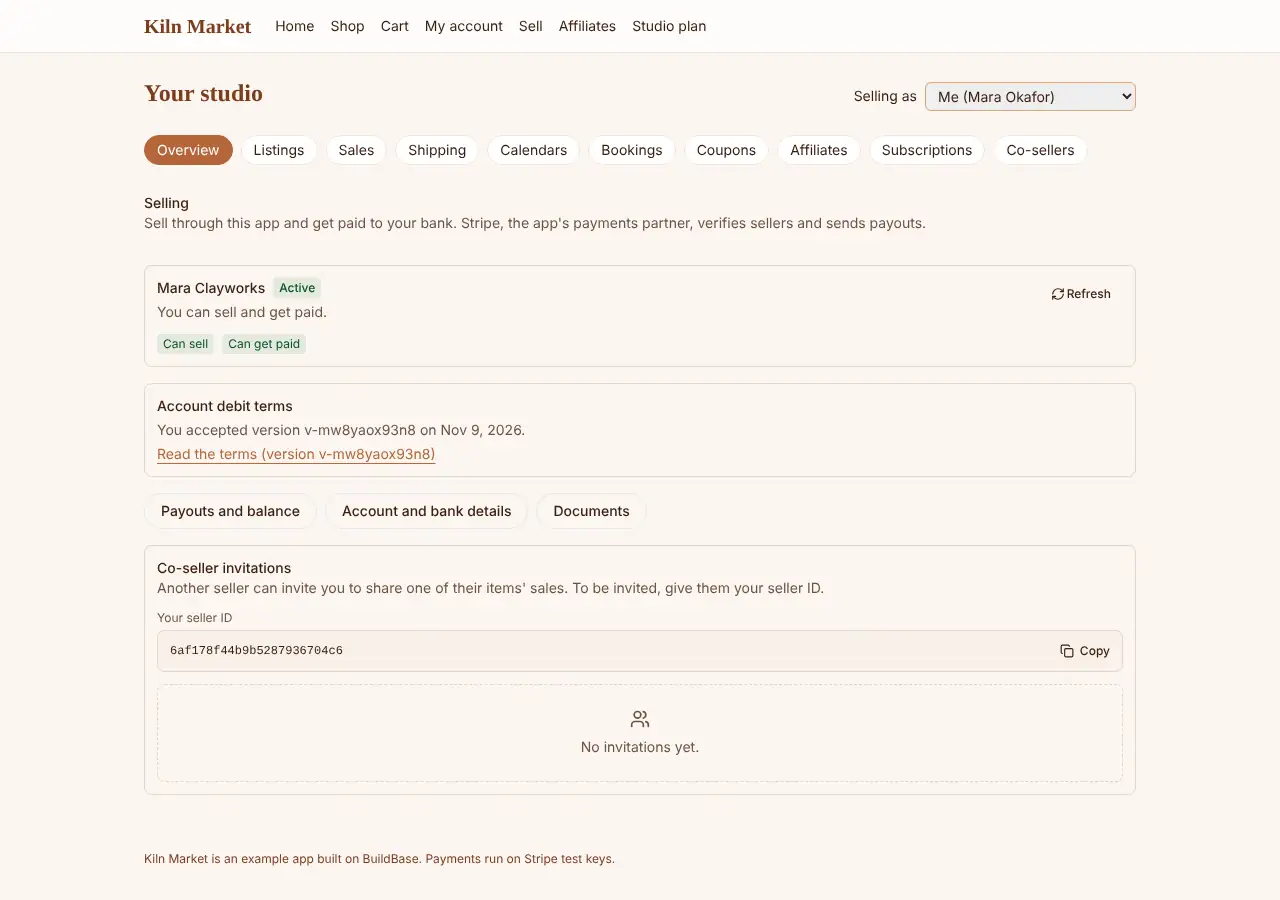
Before a seller can sell, they accept the terms for dispute fees with
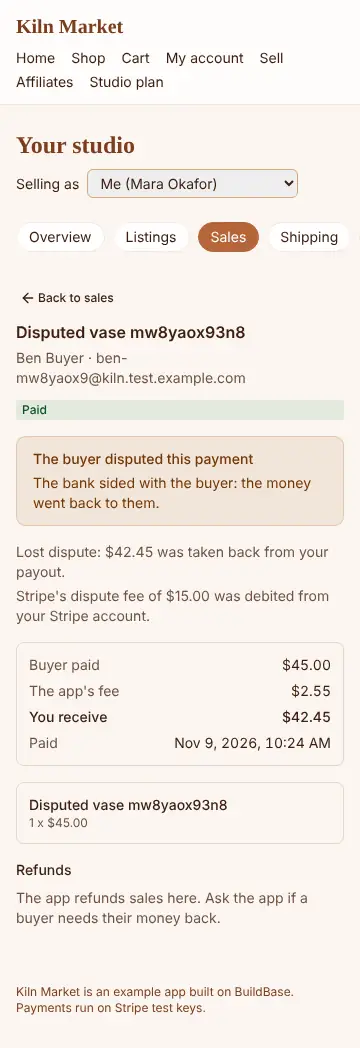
DebitTermsConsent. When a buyer disputes and the seller loses, the sale is
reversed and Stripe's dispute fee is taken; when the seller wins, nothing is
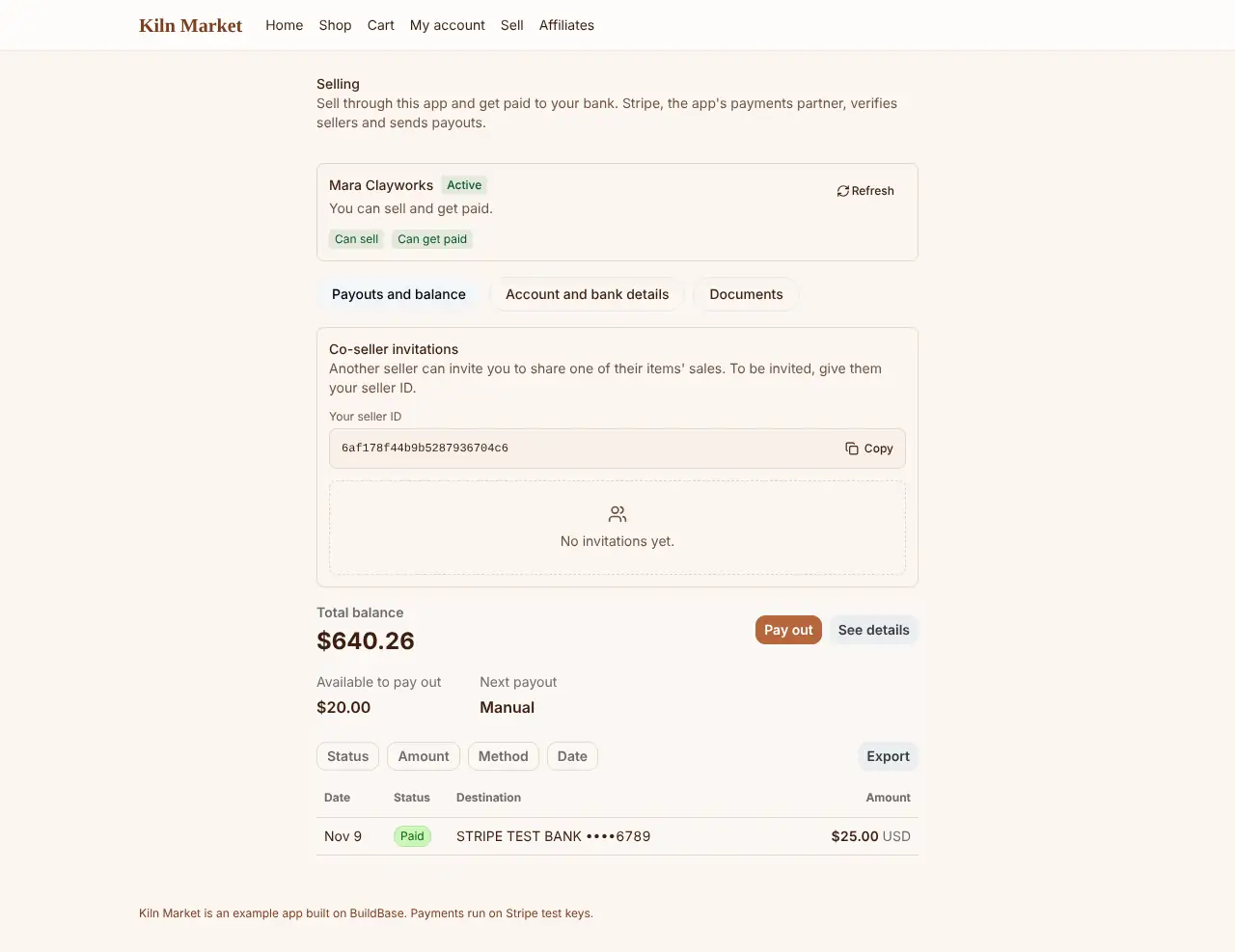
taken. Payouts reach the seller's bank and are reconciled.
Docs: account debit terms, revenue and health.
Co-sellers
ItemCoSellers and CoSellerInvitations let one seller offer another a
share of an item's sales. In the marketplace shape a split sale pays each
seller their share by a transfer of their own, and refunds and a lost
dispute take back from each in proportion. A split subscription pays each
seller per invoice, and a price in parts per part. The storefront shape,
and a split subscription or price in parts in a cart, are refused with
split_not_supported.
Docs: co-seller screens.