
Revenue and Billing Health
Read revenue, churn and cash in the console, see what in your billing needs a person on Billing health, and follow each Stripe event on Payment webhooks.
Four read-only screens in the Billing menu tell you how billing is going: Revenue for what it brings in, Billing health for what needs a person, Payment webhooks for each event Stripe sent, and Subscriptions for who holds what.
Before you start
A console role that can read subscriptions: anyone who can see the Subscriptions list can see all four.
Revenue
Open revenue in the console
(opens the console in a new tab)In the Billing menu choose Revenue. Today's figures sit at the top, then MRR by plan, Customers by status and By month.
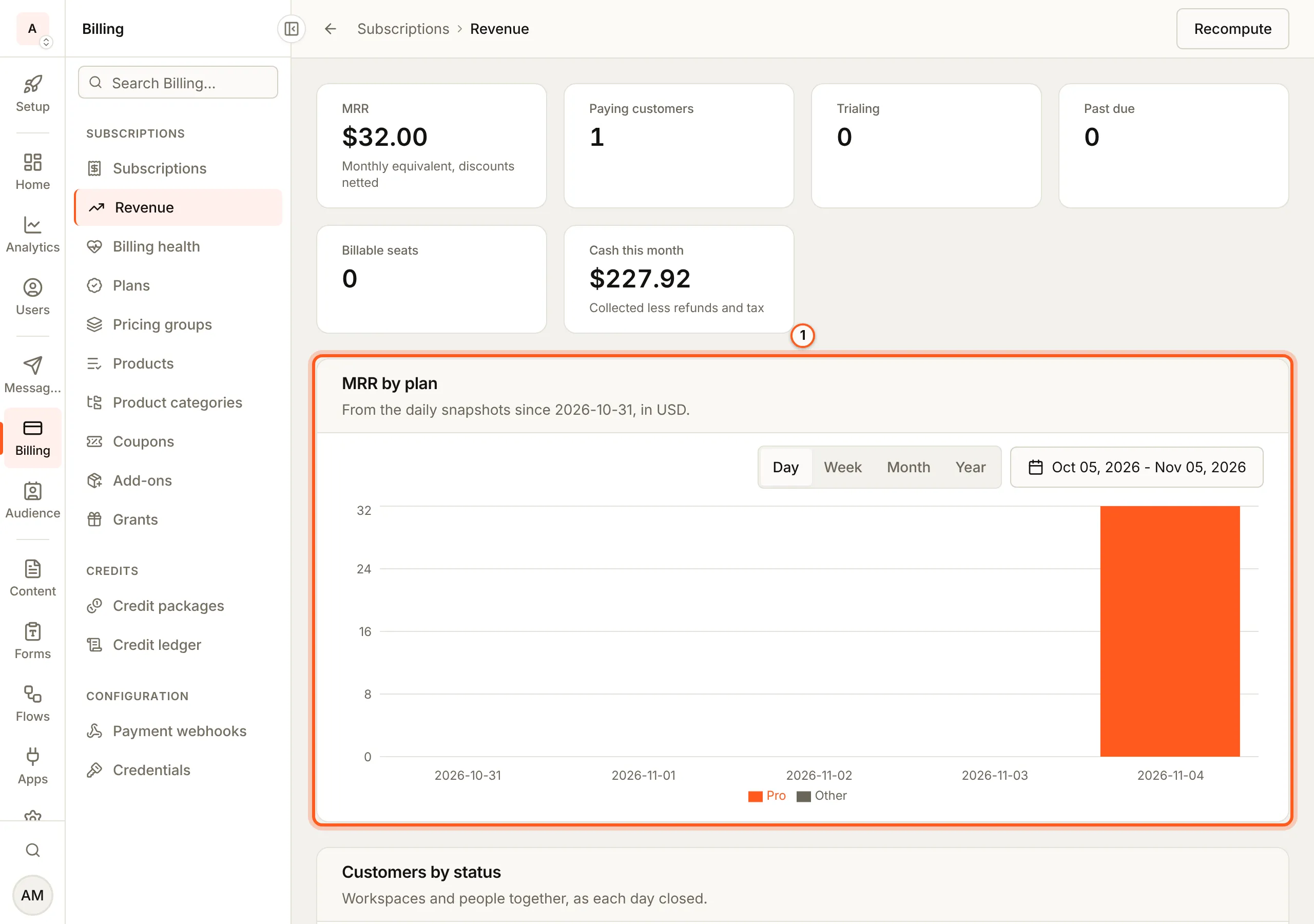
Billing > Revenue shows what your subscriptions bring in, read from your own data rather than from Stripe, so it opens fast and needs no extra Stripe permission. Anyone who can see the subscriptions list can see it.
- Today, live: MRR (each plan's price as a monthly amount, with seats and recurring coupons included), paying customers, trials, past-due and comped subscriptions, and billable seats.
- History: a snapshot is taken every day, and the MRR-by-plan and customers-by-status charts are drawn from those snapshots. They start on the day the snapshots started; nothing earlier is filled in.
- By month: new and churned customers, logo and MRR churn, trial conversion, credit packs sold and the cash collected. Churn leaves out trials that ran out and subscriptions moved by us. Cash is subscriptions, credit packs and add-ons, less refunds and tax.
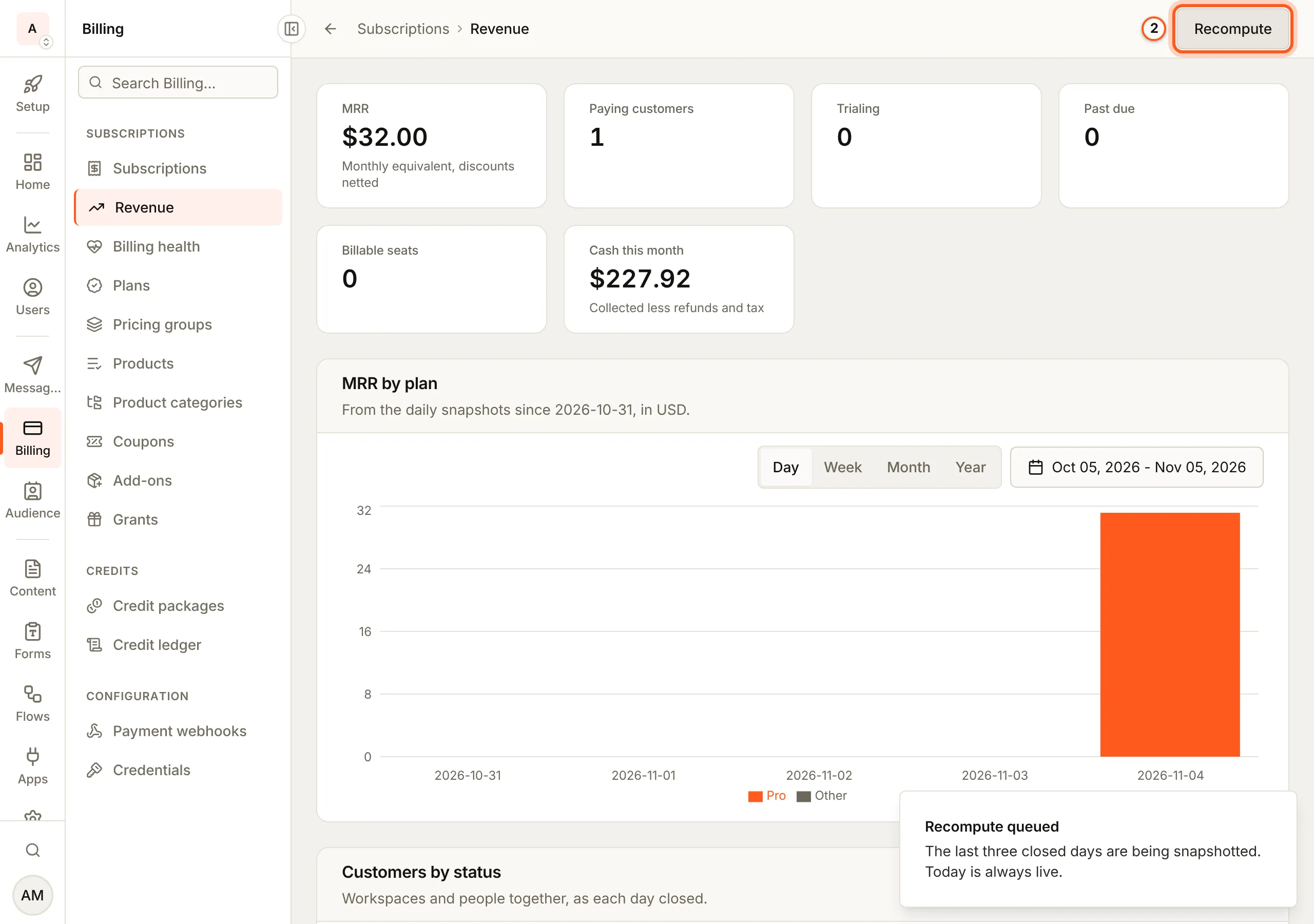
Every figure is shown in one currency at a time, with no conversion. A currency picker appears once you bill in more than one. Metered usage is not part of MRR, and disputes are not counted. Recompute retakes the last three daily snapshots when you want a correction to show straight away.
Recompute
Press Recompute to retake the last three daily snapshots, so a correction shows straight away instead of tomorrow.
Billing health
Open billing health in the console
(opens the console in a new tab)In the Billing menu choose Billing health. Each list loads and pages on its own, and an empty list, such as No drift, means all is well.
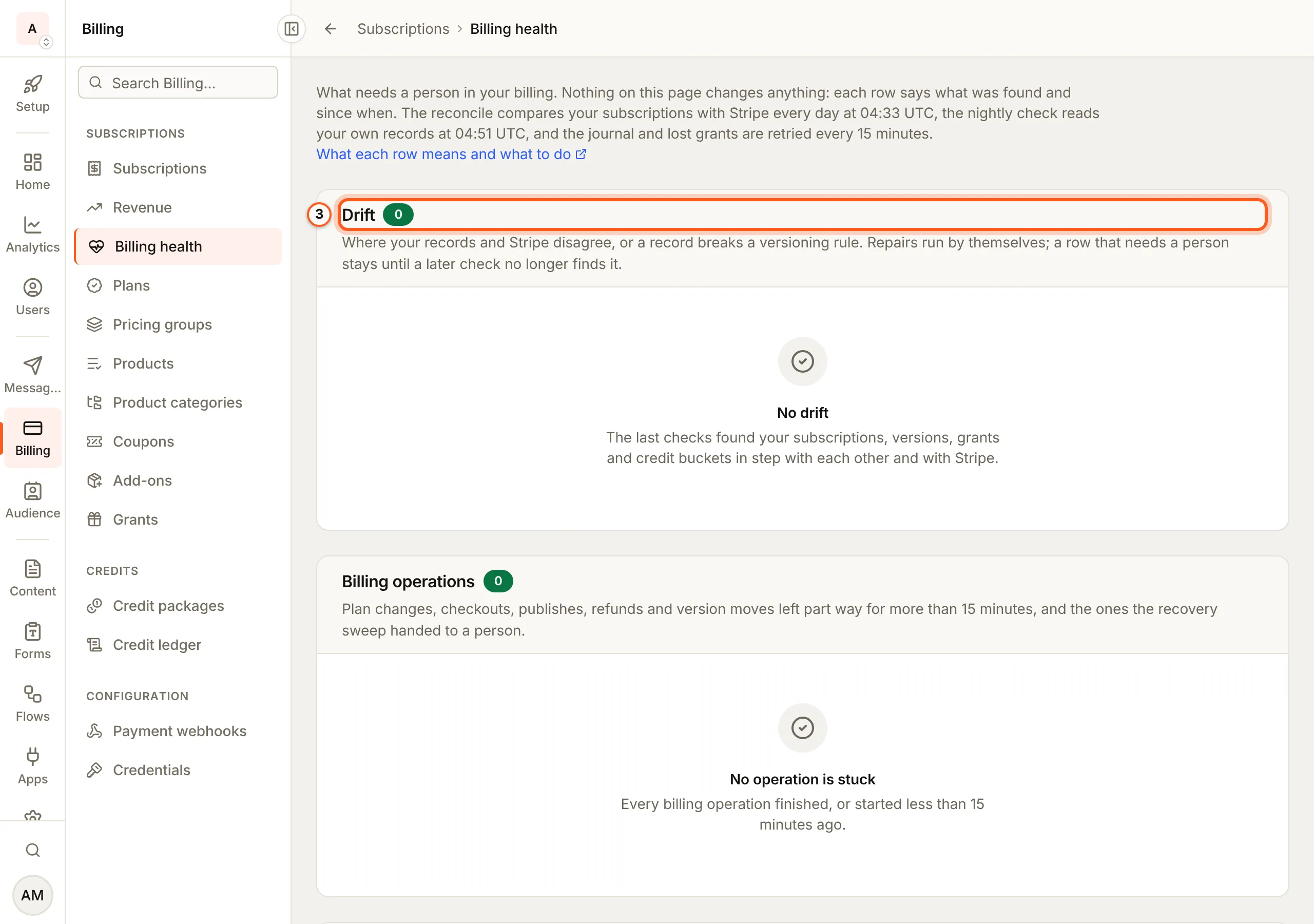
Billing > Billing health lists what in your billing needs a person. It changes nothing: each row says what was found and since when, and anyone who can see the subscriptions list can see it. Each list loads and pages on its own, and an empty list means all is well.
- Drift: where a subscription and Stripe disagree (its base price, plan version, interval, seats, overage or add-on items), found by the daily check against Stripe at 04:33 UTC, or where your own records break a versioning rule (a published version whose terms changed, a price that is not in its plan version, a grant or credit bucket that names no version, a version change nothing accounts for), found by the nightly check at 04:51 UTC. Repair queued rows are put right by themselves, as the webhook would have; Needs a person rows wait for you. A row stays while a later check still finds it, with when it was first and last seen and how many times, and leaves the list once a check no longer finds it.
- Billing operations: plan changes, checkouts, publishes, refunds and version moves that changed Stripe and were left part way for more than 15 minutes, and the ones the recovery sweep could not finish and handed to a person. Each shows its ids, the Stripe objects it made, the idempotency key to find its request in Stripe's logs, how many times it was tried and its last error.
- Lost credit grants: plan credits a customer was owed that could not be granted. They are run again with backoff for about 42 hours; one still failing then needs a person. Re-running one is safe: it grants nothing twice.
- Version moves delayed past their window: customers whose move to a version with less in it missed its swap window before their renewal, because the move sweep was not running or Stripe refused the change. They kept their old terms for one more period and move at the next renewal; nobody loses anything mid-term. Each row shows the date the move was first due, the date it moves now, how many renewals it missed, and links to the move.
Most rows are settled by a re-sync from Stripe (the subscription's Actions menu, Re-sync from Stripe) or a plan change agreed with the customer. Never edit a subscription, grant or bucket by hand to make a row go away: that hides the difference instead of settling it.
The same lists are GET /api/subscriptions/billing-health/drift,
/operations, /grant-recoveries and /delayed-moves (page, and limit
up to 100), under the subscriptions permission.
Payment webhooks
Open payment webhooks in the console
(opens the console in a new tab)In the Billing menu choose Payment webhooks. Each Stripe event your account sent is a row: its type, the customer, the amount, its status and whether it came from test or live mode. Details shows the whole event as Stripe sent it.
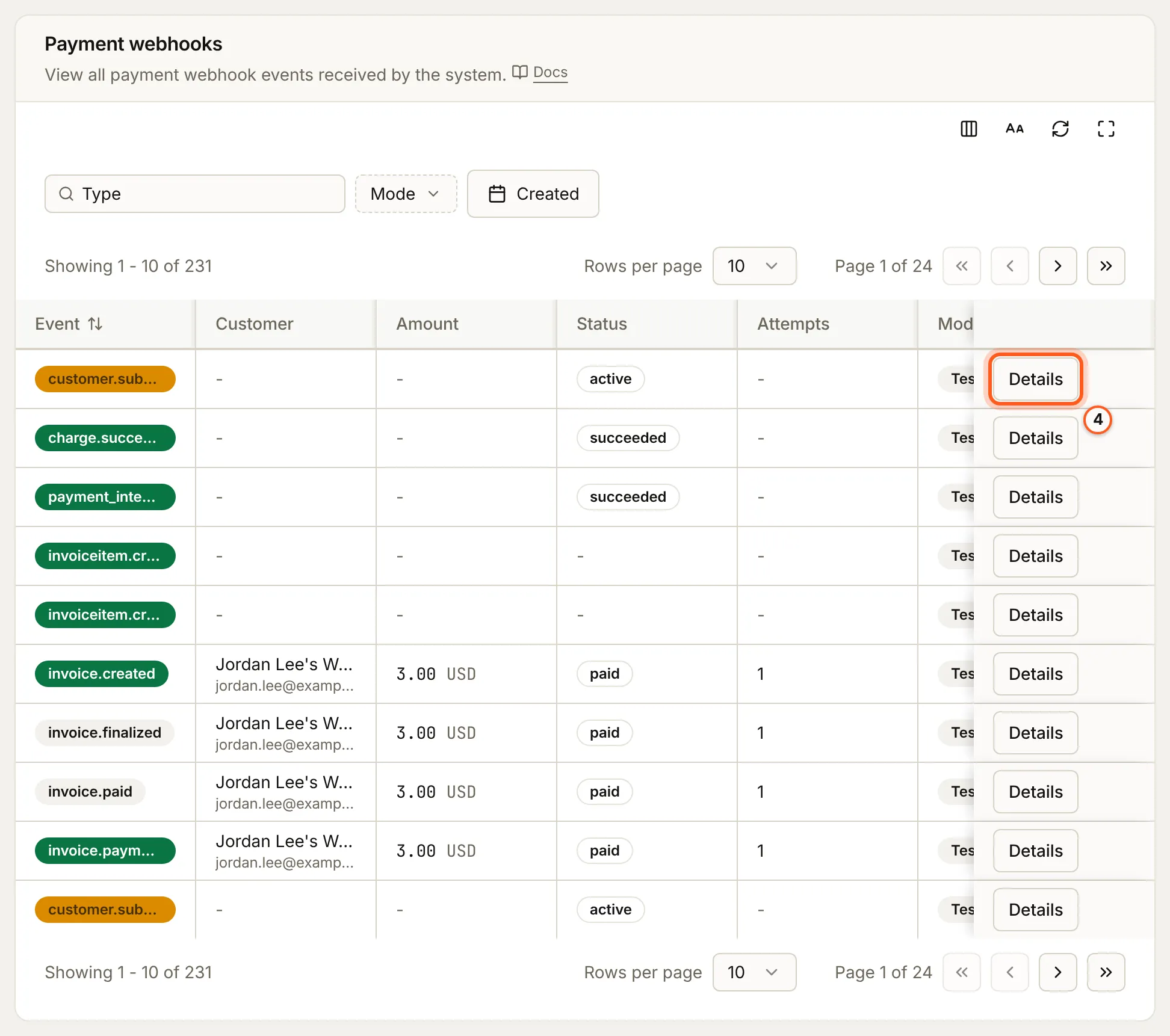
An event BuildBase could not process, and Check Stripe setup for the events your endpoint misses: Failed payments.
Subscriptions
Open subscriptions in the console
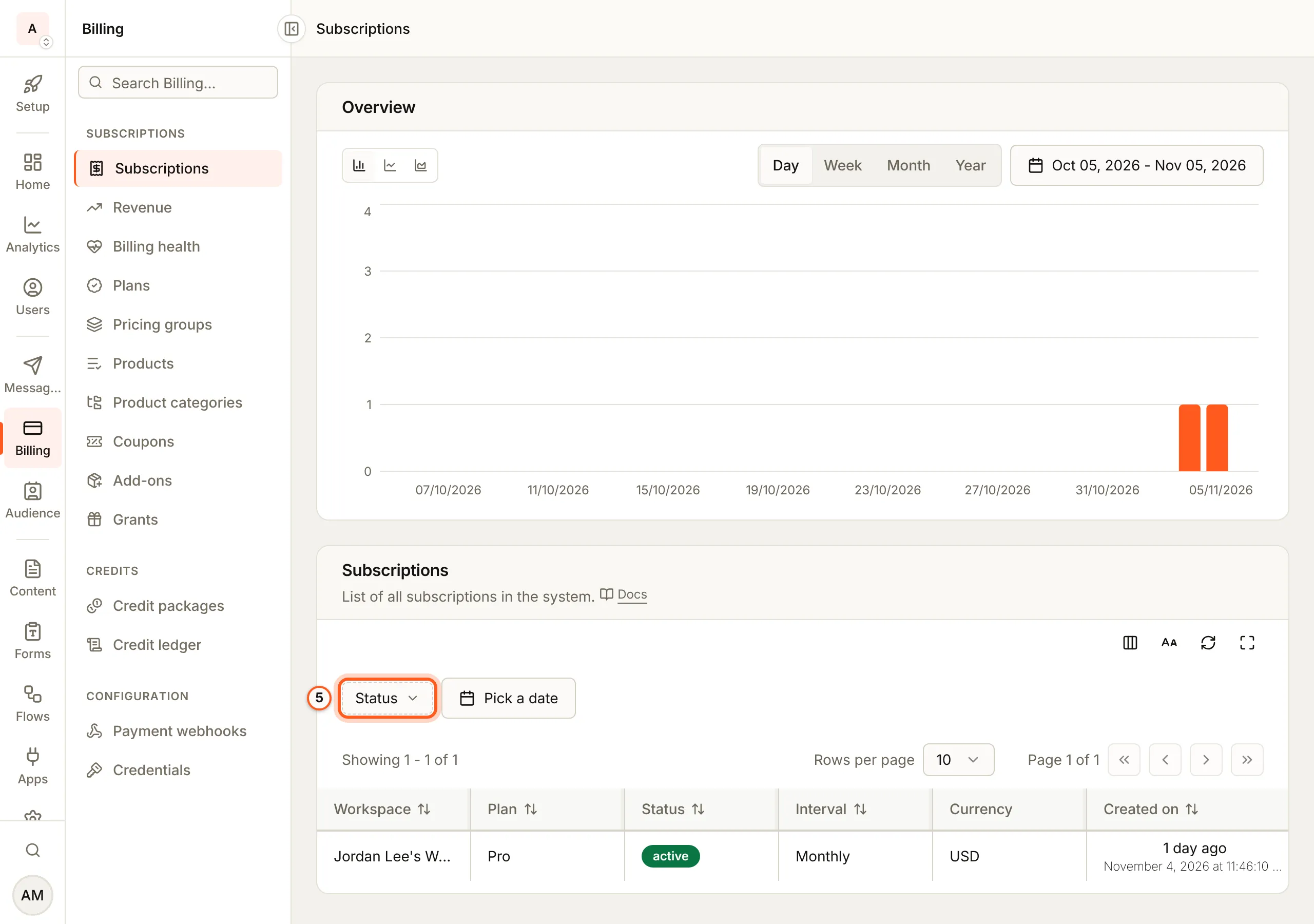
(opens the console in a new tab)Billing > Subscriptions charts subscriptions over time and lists each one with its workspace, plan, status, interval and currency. Filter it by Status, or by date with Pick a date. A row does not open the workspace: to act on a subscription, open the workspace (Managing subscriptions).
Things to watch out for
- One currency at a time. Revenue converts nothing; pick the currency to read.
- History starts the day snapshots started. Nothing earlier is filled in.
- Billing health changes nothing. Never edit a subscription, grant or credit bucket by hand to make a row go away.
Next steps
- Failed payments - retries, recovery emails and events that fail
- Managing subscriptions - act on one customer's subscription
- Changing a plan - version moves, which Billing health also watches