
Make an API key for your server
Create an organization API key in the console, give it only the role it needs, copy it once, send it from your server, and retire it safely.
An API key lets your own server, a build step or a CI job call BuildBase without anyone signed in: to read blog posts for your marketing site, sync users, or send email. A key is orgId:secret, sent as Authorization: Bearer <key>. You make it in the console, give it a role that says what it may do, and copy it once.
Before you start
A console role that may create API keys: owners and admins can. Your plan sets how many active keys you may keep, and may cap how long a key lasts. To give the key less than full access, make an API role first (step 6).
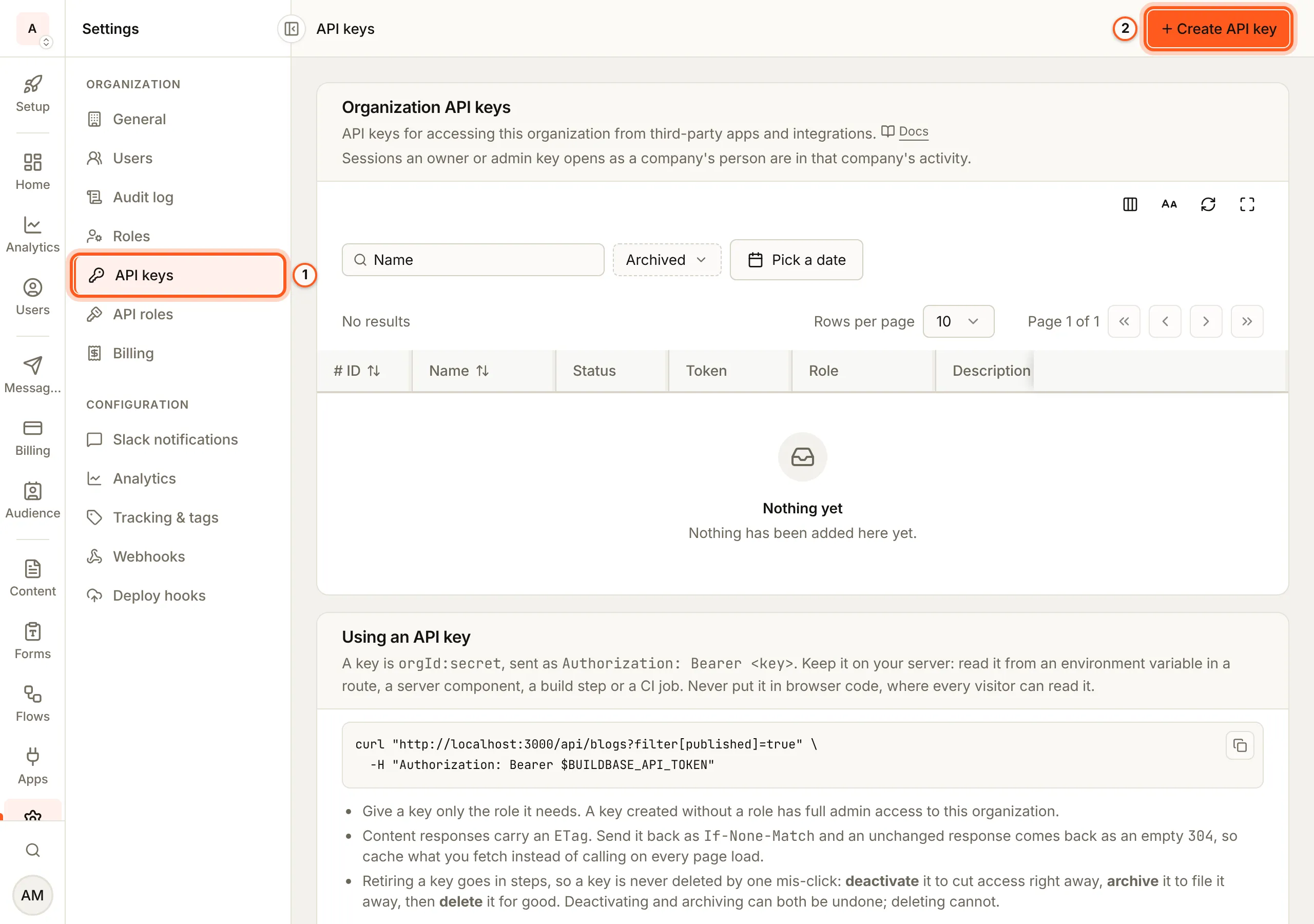
1. Open API keys
Open API keys in the console (opens the console in a new tab)In the left rail choose Settings, then API keys under Organization.
2. Press Create API key
Create API key is at the top right.
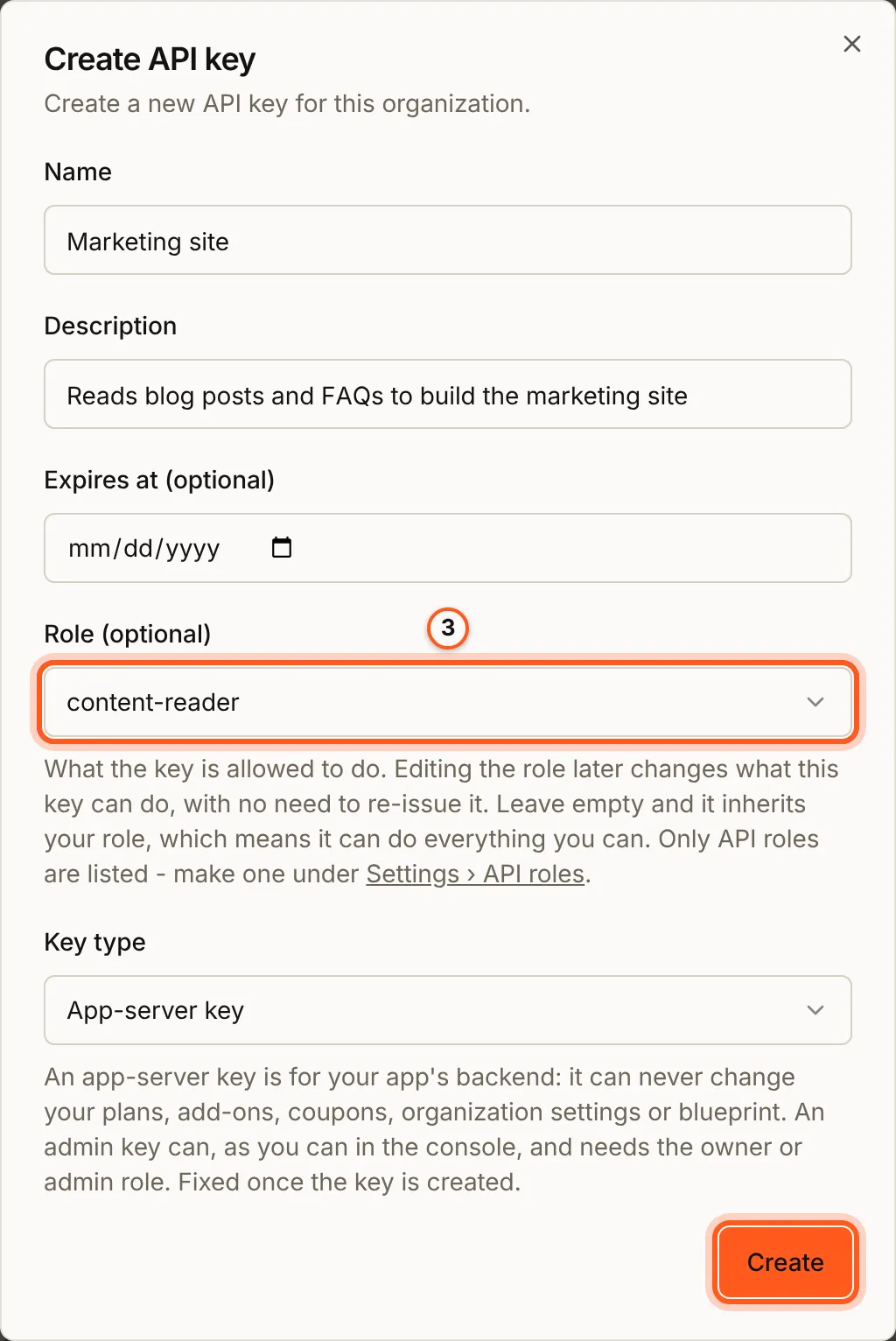
3. Fill in the key
- Name: what the key is for, such as
Marketing site. - Description: who or what uses it, so someone else can tell later.
- Expires at (optional): when it stops working. If your plan caps a key's life, the label says how many days.
- Role (optional): what the key may do. Pick an API role such as content-reader, which can only read content. Left empty, the key gets your own role, so it can do everything you can.
- Key type: App-server key for your app's backend: it can never change your plans, add-ons, coupons, organization settings or blueprint. Admin key can, as you can in the console, and needs the owner or admin role. The type cannot be changed later.
Press Create.
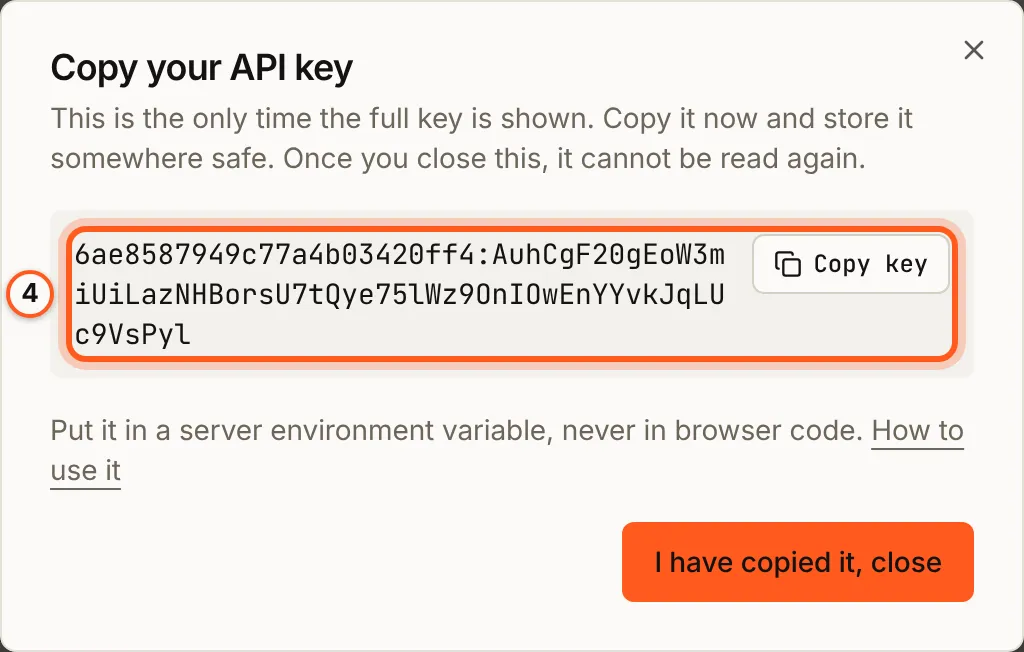
4. Copy the key
Copy your API key shows the whole key, orgId:secret, this once. Press Copy key and put it in an environment variable on your server, such as BUILDBASE_API_TOKEN. Then press I have copied it, close. After that the list shows only its first and last characters, and nobody can read it again.
5. Send it from your server
Send the key in the Authorization header of every request. The Using an API key card on the same page has an example to copy:
curl "https://api.console.buildbase.app/api/blogs?filter[published]=true" \
  -H "Authorization: Bearer $BUILDBASE_API_TOKEN"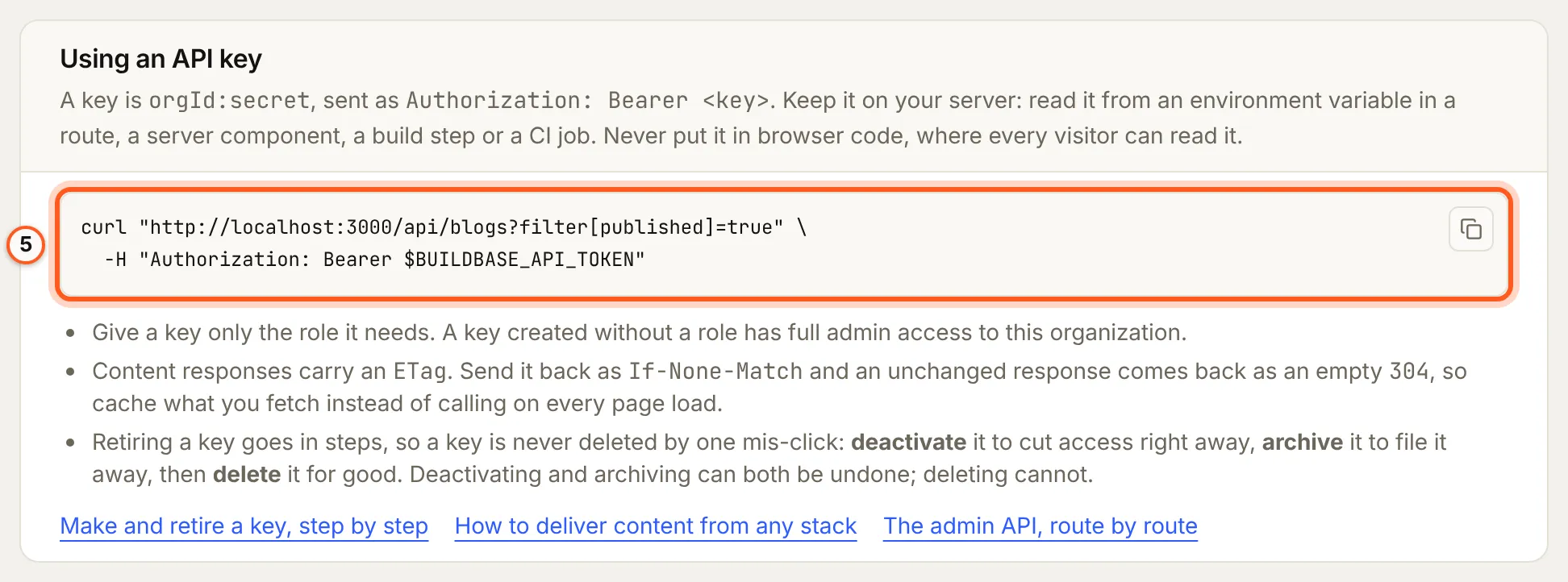
Keep it on your server: a route, a server component, a build step or a CI job. Never put it in browser code, where every visitor can read it. The admin API lists the routes a key can call, and Delivering content shows how to cache what it reads.
6. For a narrower key, make an API role first
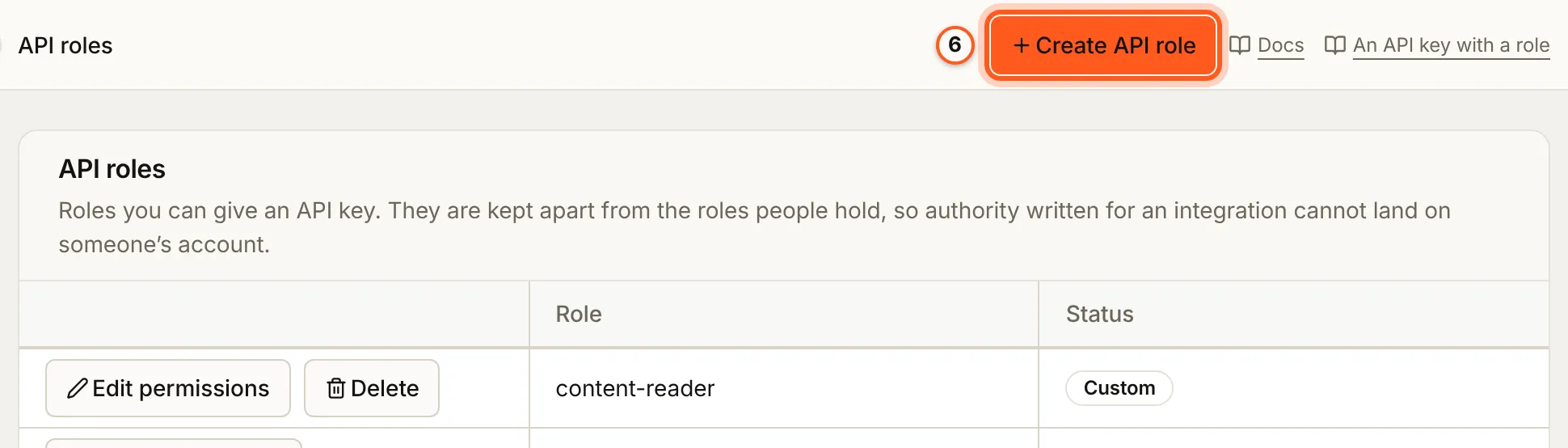
Role (optional) lists only API roles, which are kept apart from the roles people hold. To make one, open Settings > API roles and press Create API role, tick what it may do, and save. Then pick it in step 3. content-reader is there already: it reads blogs, docs, FAQs, testimonials, content blocks, collections and forms, and nothing else.
Retiring a key
A key is never deleted by one click. On its row:
- Deactivate cuts access at once. Activate undoes it.
- Archive files a deactivated key away. Restore brings it back, inactive.
- Delete removes an archived key for good. This cannot be undone.

To replace a key without a gap, create the new one, deploy it, then deactivate the old one.
Check it works
Call a route the key's role allows, such as the curl in step 5. A 200 with your data means the key works. The same call with a route the role does not allow answers 403.
Things to watch out for
- The key is shown once. If you lose it, deactivate it and make another.
- A key with no role can do everything you can. Give it the narrowest API role that does the job.
- A key cannot have more access than the person who makes it. Asking for a role with more is refused.
- The key type is fixed. To change an app-server key into an admin key, make a new one.
If something goes wrong
| What you see | What it means |
|---|---|
402 PLAN_LIMIT_REACHED, or Create API key locked | You have as many active keys as your plan allows. Deactivate one, or change plan |
| "Unknown API role: ... API keys can only use roles created for API access." | The role is a role for people. Make an API role (step 6) |
| "You cannot issue a token with more access than you hold." | The role can do something you cannot. Pick a narrower role, or ask an owner |
| "An admin key needs the owner or admin role." | An Admin key was asked for with a role below admin. Pick admin, or make an app-server key |
| "Only the console or an admin key can issue an admin key." | An app-server key tried to make an admin key over the API |
| "expiresAt must be a valid future date." | The expiry is in the past |
Next steps
- Admin API - every route a key can call, and the response shape.
- Delivering content - read content with a key, cached, from any stack.
- Your team and its roles - the roles people hold in the console.