
Your console account
Your BuildBase console account - your profile, invitations and ownership offers you received, sign-in security and, if self-hosting, installations and plan.
Your account is you, across every organization you belong to. It lives under your avatar, at the bottom of the rail, not under an organization's Settings.
Before you start
Signed in to the console.1. Open your avatar menu
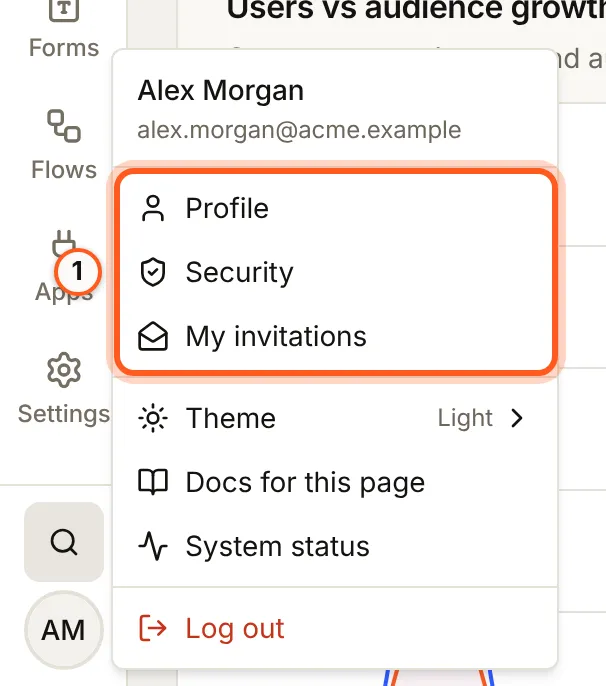
Press your avatar at the bottom of the rail. Profile, Security and My invitations are yours; Docs for this page opens the guide for the screen you are on.
2. Your profile
Open your profile in the console
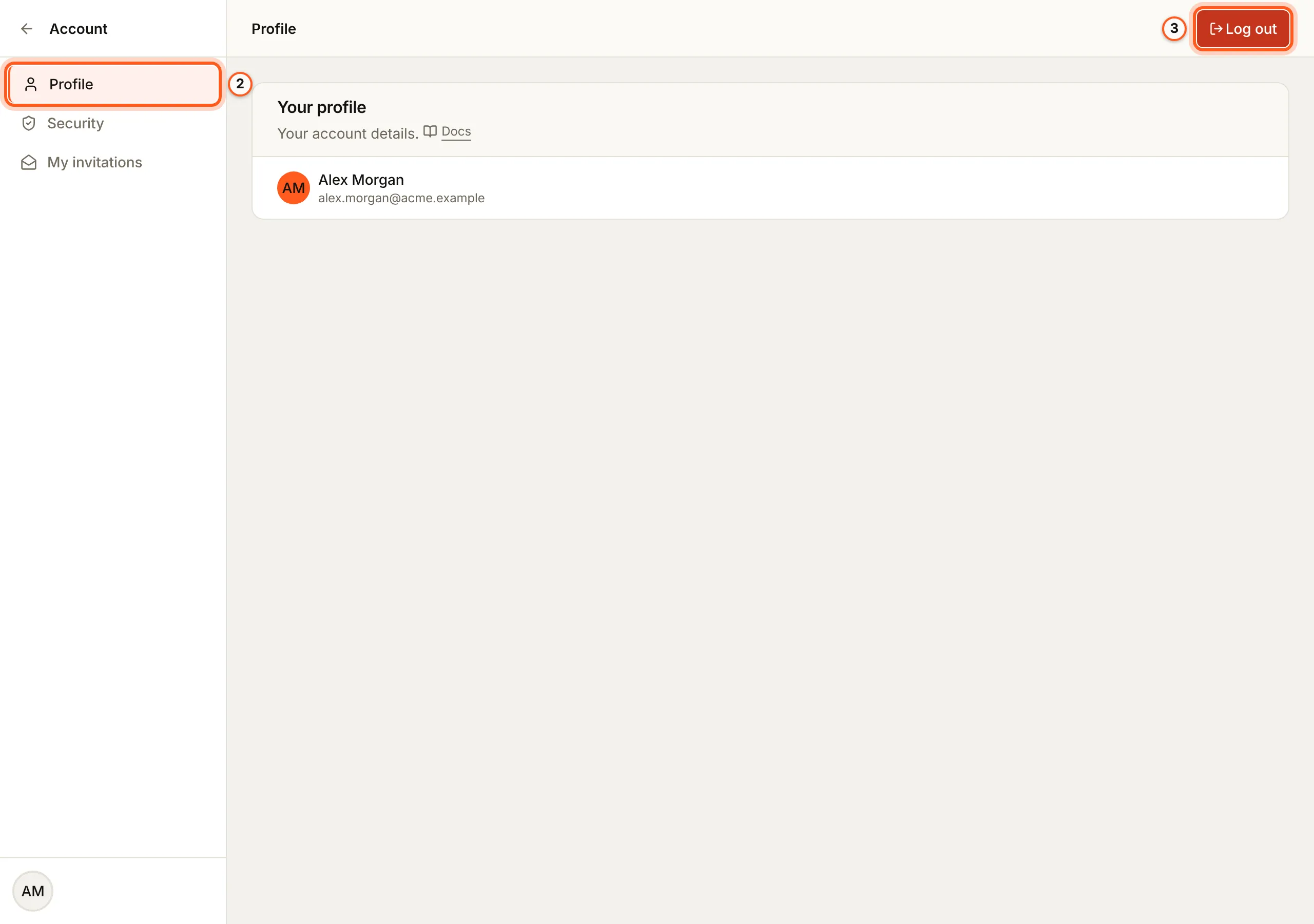
(opens the console in a new tab)Profile shows Your profile: your name and email address. Log out signs this browser out of the console.
3. Your invitations
Open My invitations in the console
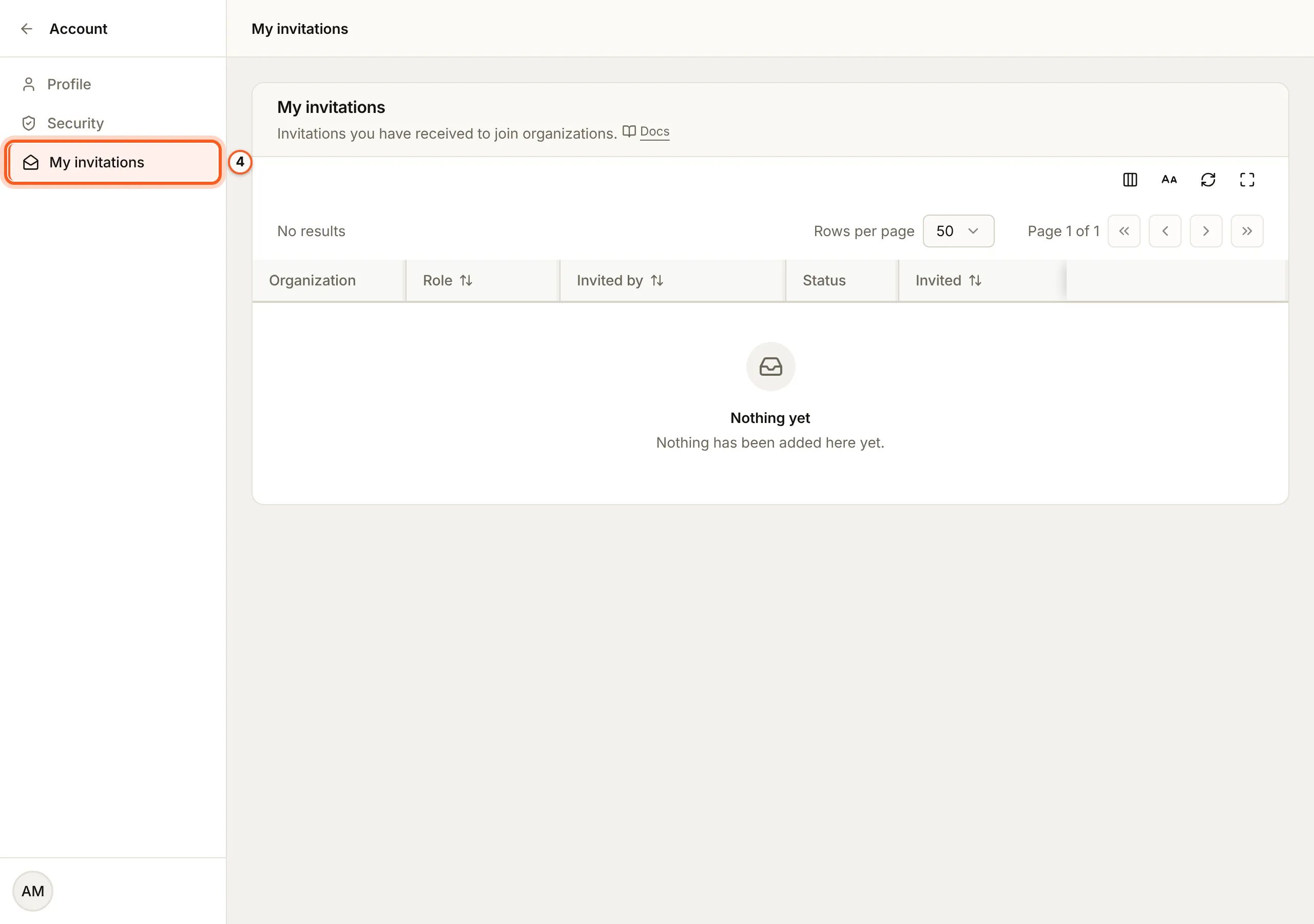
(opens the console in a new tab)My invitations lists the invitations you have received to join organizations, and any offer to take one over. Accept or decline each there (team and roles).
4. Your sign-in security
Open Security in the console (opens the console in a new tab)Security is how you sign in, two-step sign-in with an authenticator app, and every browser signed in with your account (account security).
Below your own cards, Two-step sign-in for and the organization's name holds Require two-step sign-in. Only an owner or admin can change it, and only once their own account has two-step sign-in, so it cannot lock them out. Members without it are asked to set it up the next time they open the organization; nobody is signed out.

5. Installations and My billing
Open Installations in the console
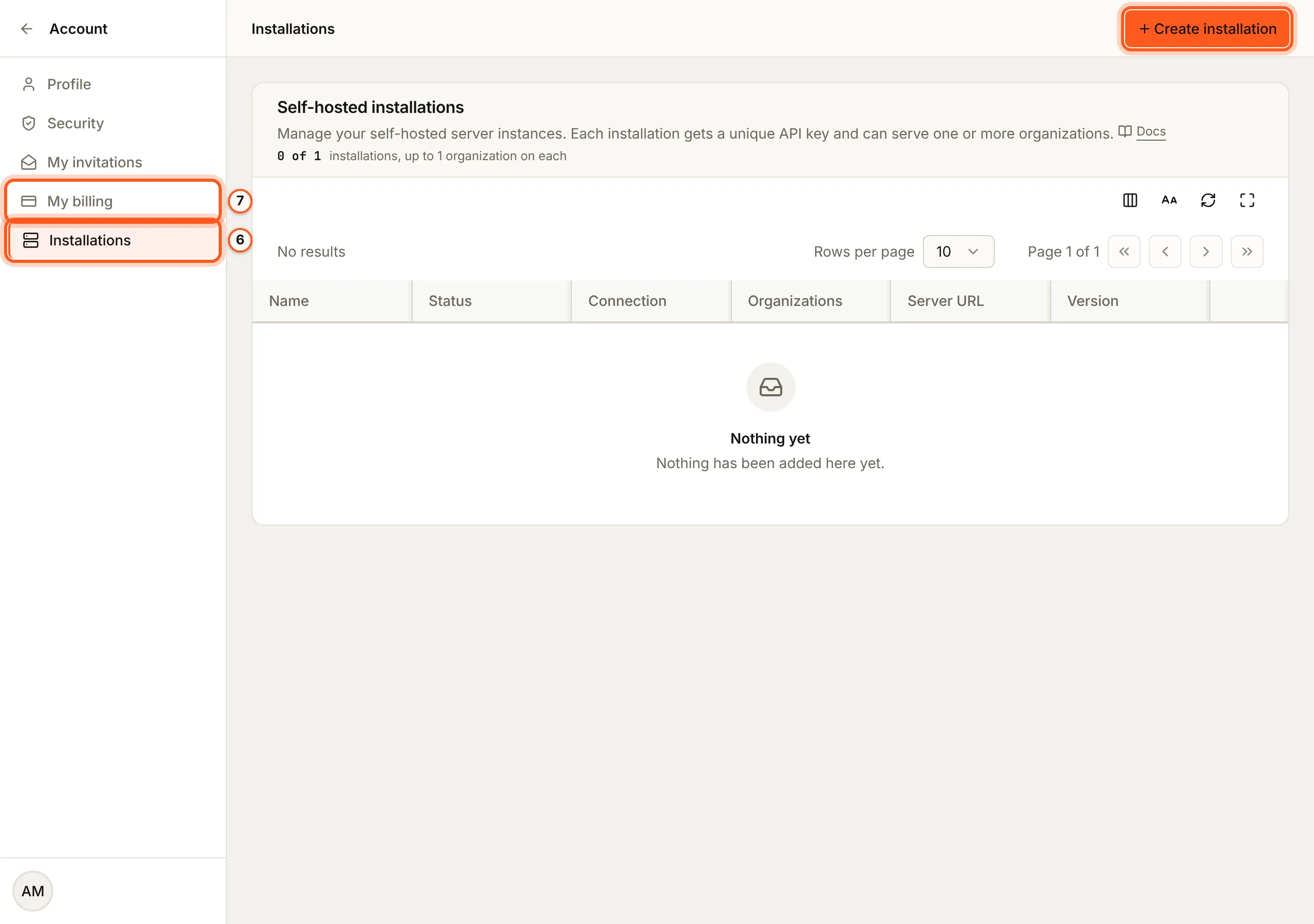
(opens the console in a new tab)If you may self-host BuildBase, the menu and the account sidebar also have Installations and My billing.
- Installations lists your Self-hosted installations. Press Create installation to add one; each gets its own API key and serves one or more organizations (self-hosted quick start).
- My billing shows Your plan: your own plan, for the installations you run, billed to you and not to any organization. Paid plans open a Stripe checkout and bring you back.
Things to watch out for
- Signed in with Google, your password and email address are managed in your Google account, not here: Security links to it.
- Installations and My billing show only to people who may self-host.
Next Steps
- Account security - two-step sign-in and your sessions.
- Team and roles - accept an invitation and what your role lets you do.
- Organization settings - the organization's own settings.