
Give Credits With a Plan
Give a workspace credits with its plan, once or every month, choose what a plan change does to them, and see each grant in the credit ledger.
A plan version can give its subscribers a credit pack's worth of credits: once when they subscribe, or again every month. They land in the same workspace balance as bought credits, so your app spends them with useConsumeCredits and reads them with useCreditBalance (Credits overview).
Before you start
- A credit pack whose credits the plan gives (Sell credit packs).
- A draft plan version: a new plan's first version (Your first plan), or a new version of a plan you already sell (Changing a plan).
1. Turn on the credit grant
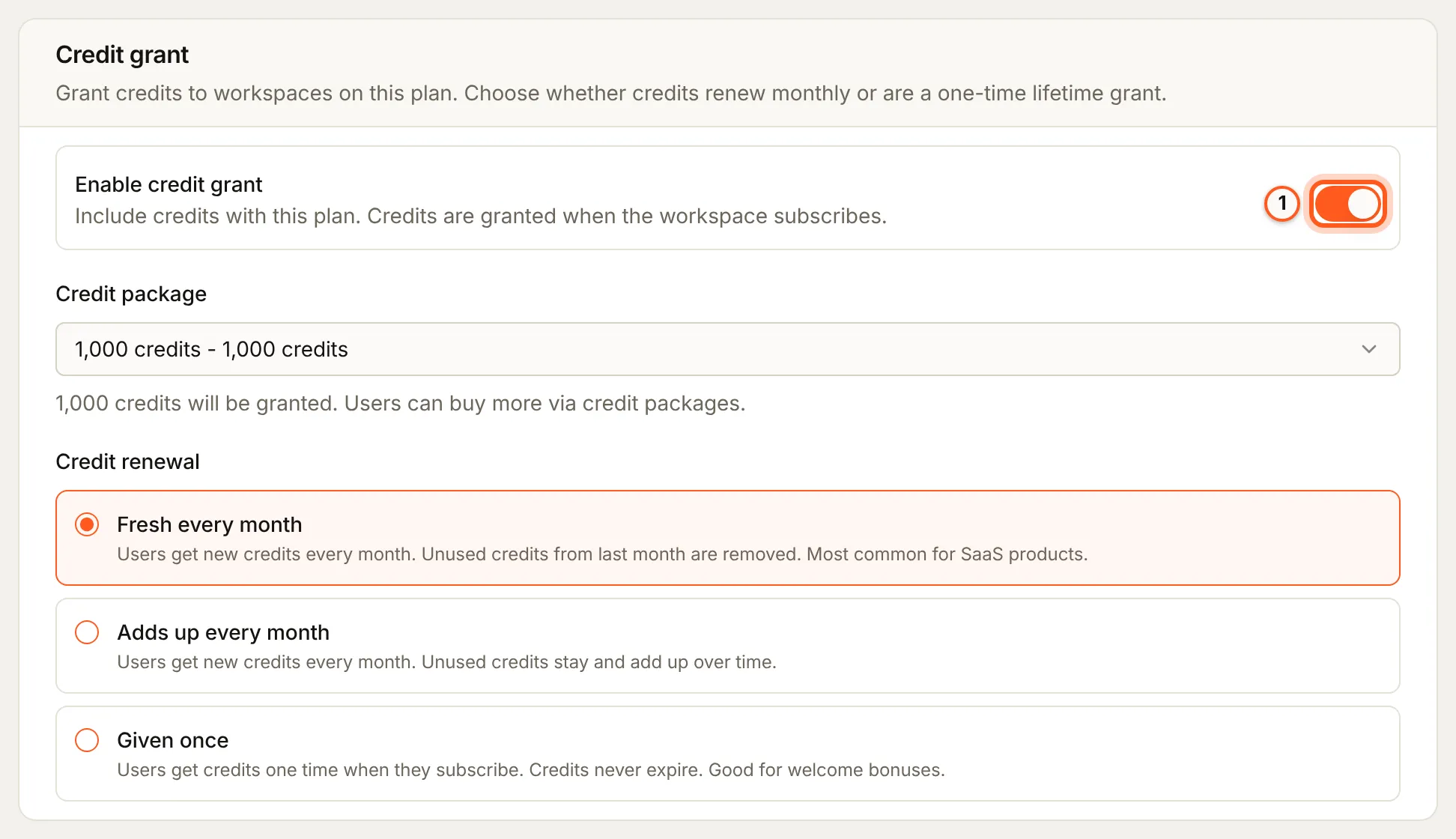
Open the draft version (Billing > Plans, Manage versions, then Edit on the draft). On the Credit grant card, switch on Enable credit grant.
2. Choose the pack
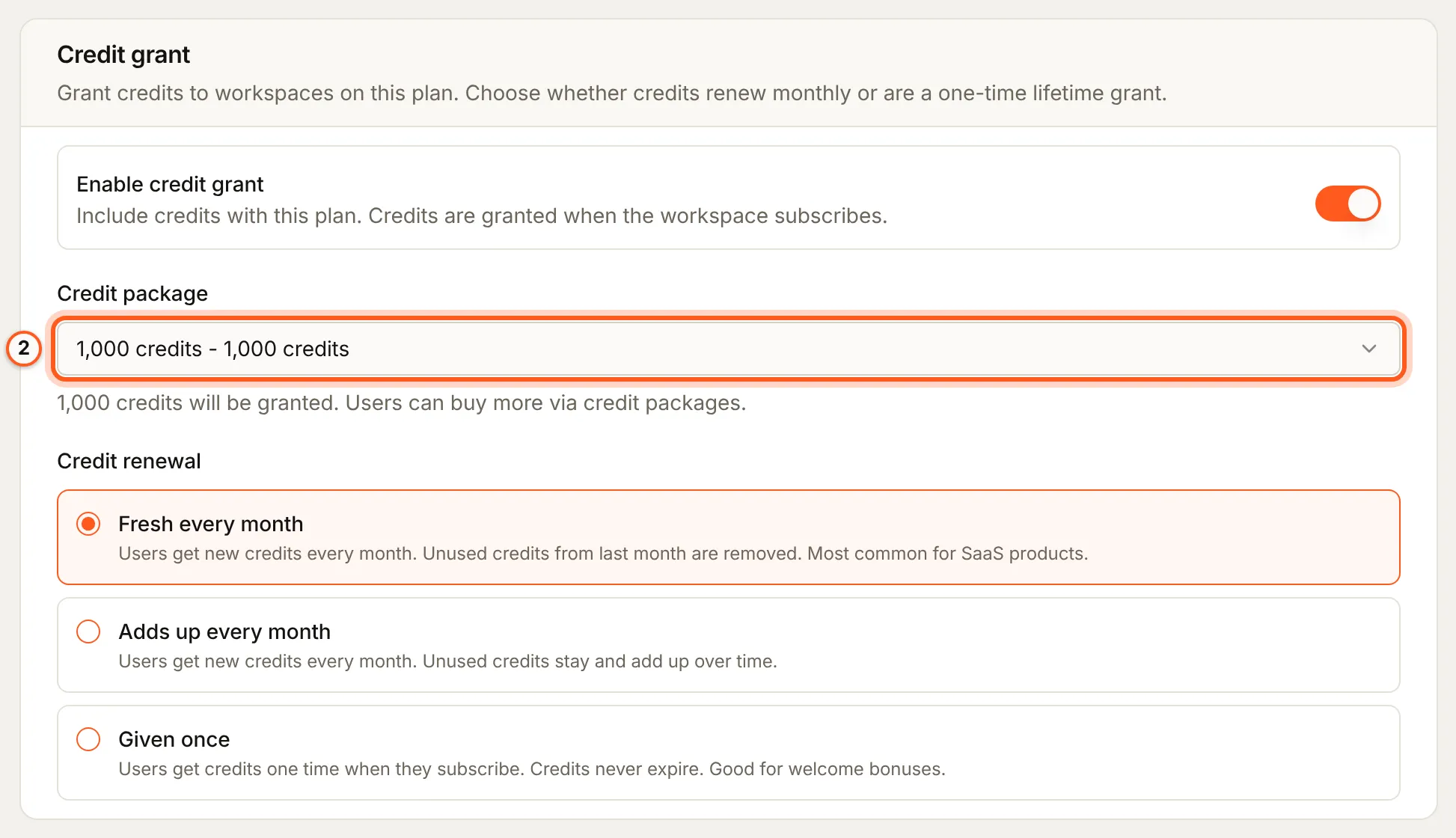
In Credit package, choose the pack whose credits the plan gives. Its credit amount is what each grant gives; its price plays no part.
3. Choose how they renew
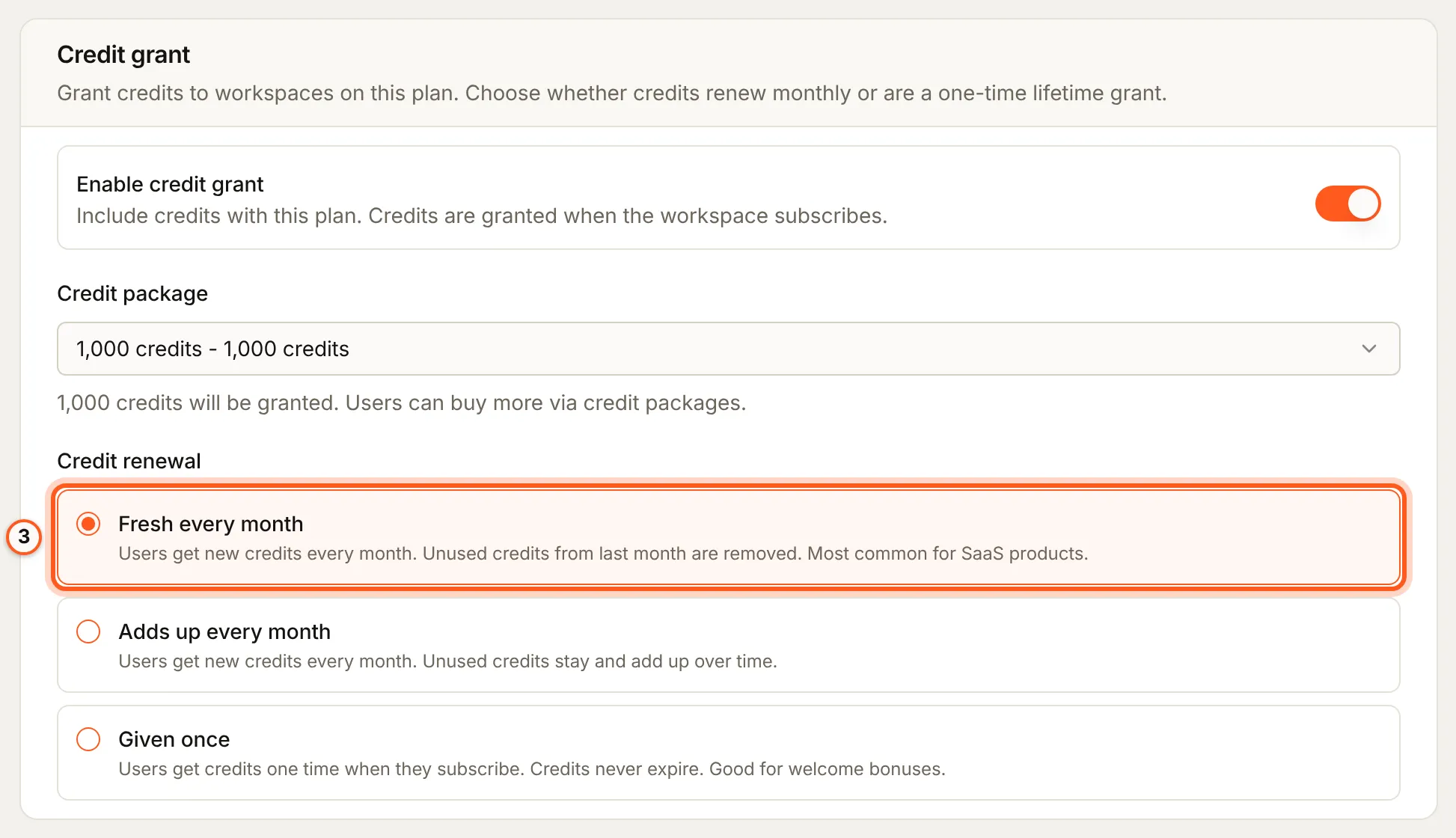
Under Credit renewal:
- Fresh every month (
mode: 'reset',renewOnPeriod: true): new credits every month, and what is left of last month's ends. - Adds up every month (
mode: 'topup',renewOnPeriod: true): new credits every month, added to what is left. They do not expire. - Given once (
renewOnPeriod: false): credits once, when the workspace subscribes. They do not expire.
4. Save and publish
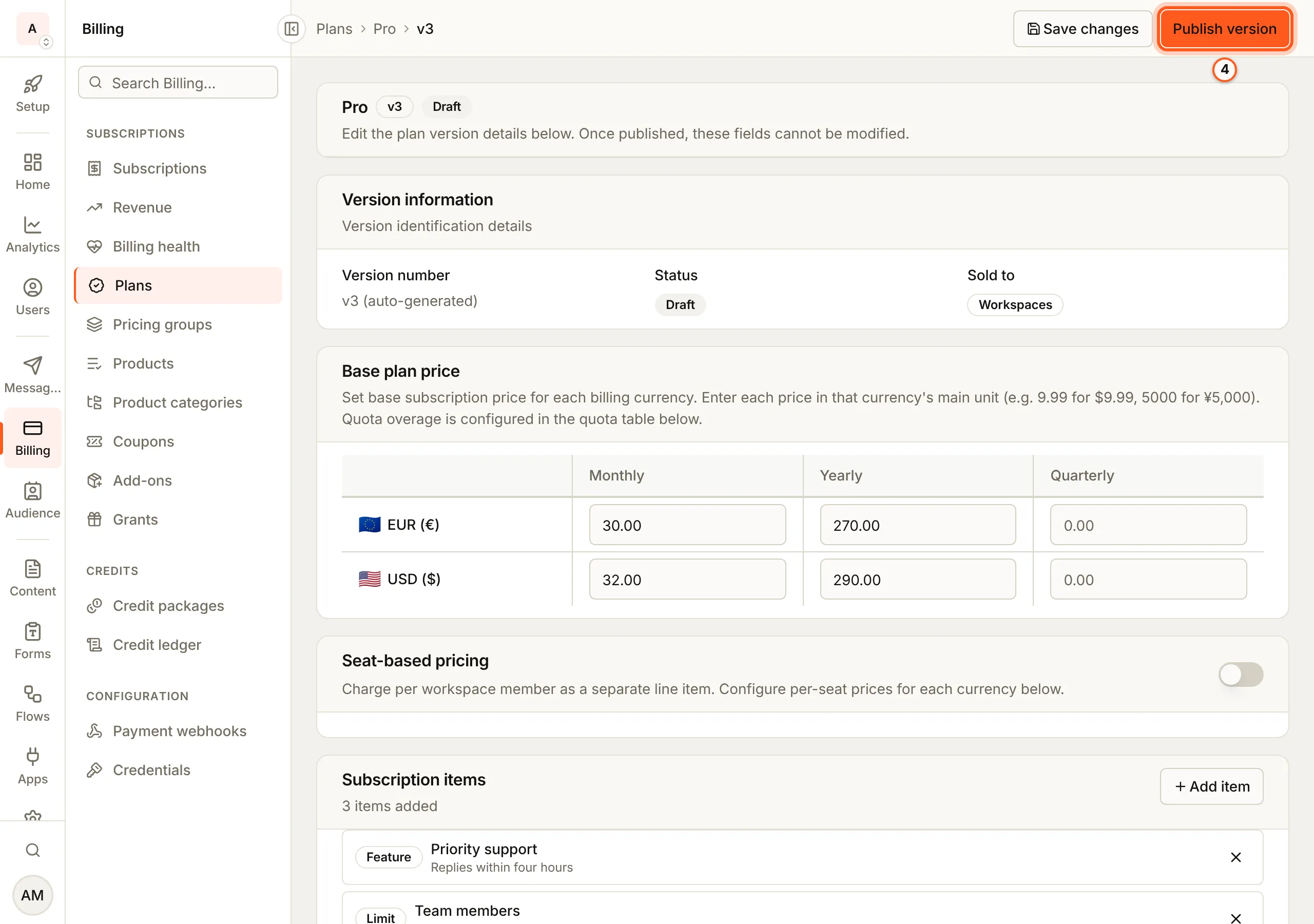
Press Save changes, then Publish version. The credit grant is part of what the version sells, so it cannot change once the version is published. Customers get it when they subscribe to this version or are moved onto it.
Credits on a plan change
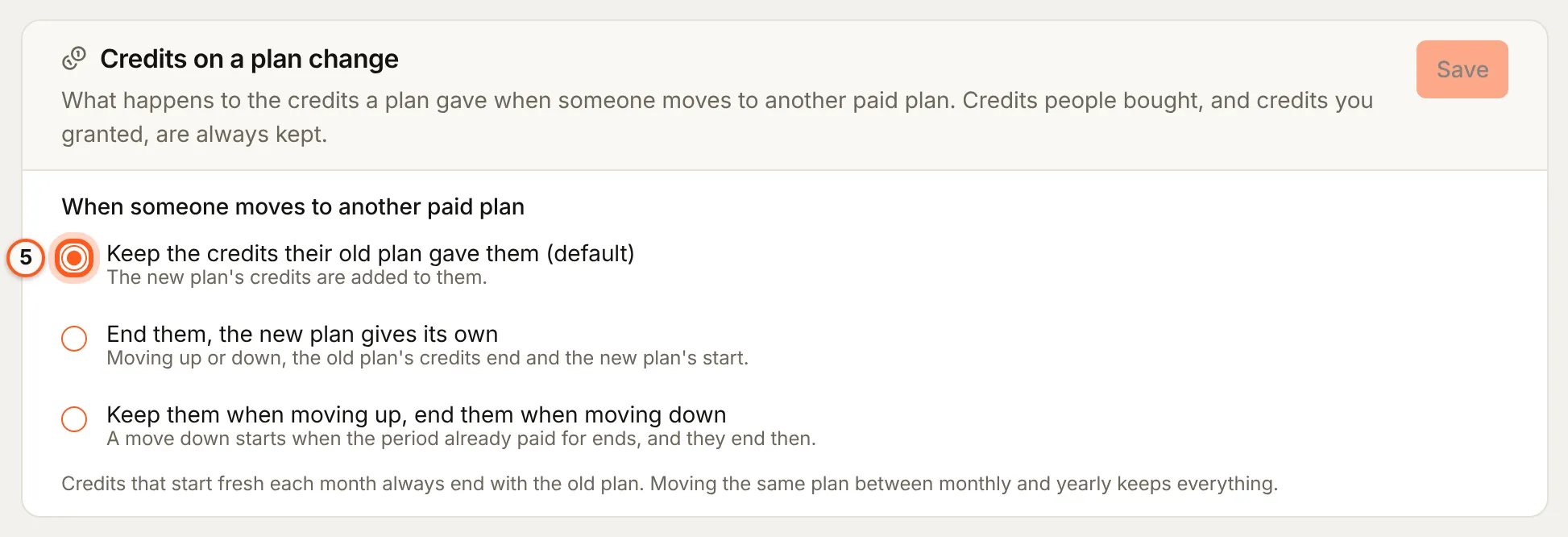
A paid plan change always ends the old plan's Fresh every month credits. What it does to the old plan's other credits is your choice, under Settings > General, card Credits on a plan change:
| Choice | An upgrade | A downgrade |
|---|---|---|
| Keep the credits their old plan gave them (the default) | Kept, and the new plan's credits are added | Kept |
| End them, the new plan gives its own | Ended, and the new plan grants its own | Ended when the downgrade takes effect |
| Keep them when moving up, end them when moving down | Kept, and the new plan's credits are added | Ended when the downgrade takes effect |
Press Save on the card.
- Upgrade and downgrade are decided as the plan change decides them: by what the new price costs per month against the old one.
- A downgrade takes effect when the period already paid for ends, and that is when the old plan's credits end, not when the downgrade is scheduled. The new plan's credits are granted then.
- Switching the same plan to another interval is neither: nothing ends and nothing new is granted.
- Only credits a plan granted are affected. Credits bought as packs or by auto top-up, and credits granted by an admin, a workflow or a dispute closed in your favour, are never ended by a plan change.
- A cancellation ends every plan credit whatever you chose, and a move from one Free plan version to another ends every credit of the version left. The monthly renewal ends only Fresh every month credits.
Check that it worked
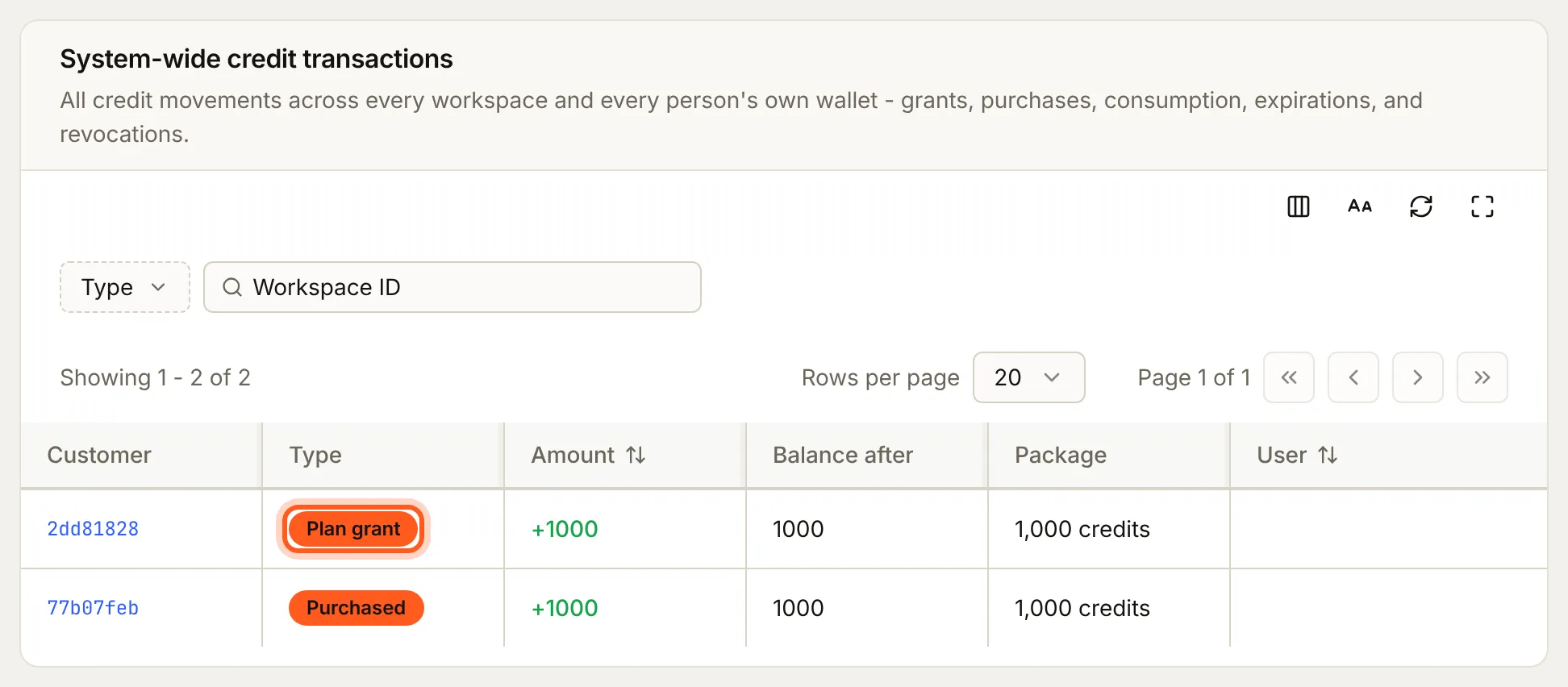
Once a workspace subscribes to the version, or is moved onto it, Billing > Credit ledger shows a Plan grant row with the pack's credits, and the workspace's Credit balance rises by them. A renewing choice adds a row at each renewal. To move a workspace onto it, the version has to be in a published version of its pricing group, and a group version lists only each plan's highest published version.
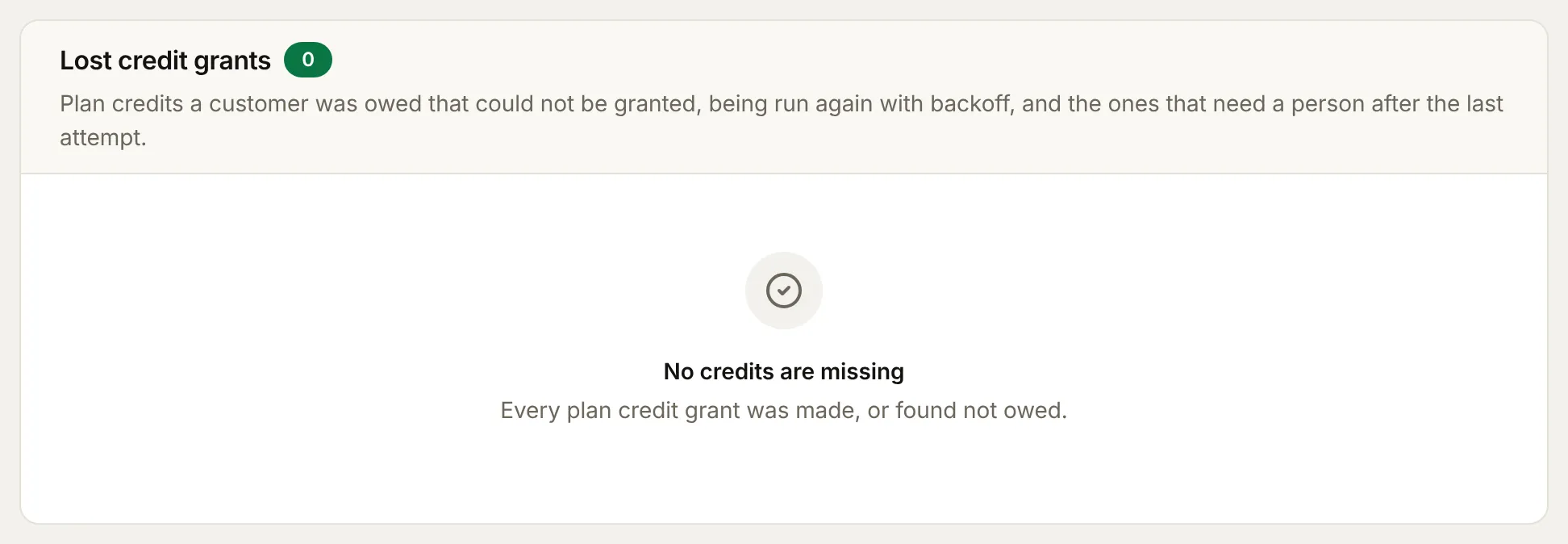
A grant that could not be made is tried again with backoff for about 42 hours, and listed under Billing > Billing health, Lost credit grants; one still failing then needs a person (Billing health).
Things to watch out for
- Plan credits belong to workspaces. Publishing a plan sold to people that grants credits is refused with
400andfield: 'creditGrant': turn the grant off, or sell the plan to workspaces. - The grant is fixed once published. Change it with a new version; a change to a published one is refused with
VERSION_REQUIRED. - A cancellation ends every plan credit, whatever you chose on the card.
- Bought and granted credits are never ended by a plan change; only credits a plan gave are.
Next steps
- Sell credit packs - packs your customers buy, and granting or revoking credits yourself
- Changing a plan - publish the new version and move customers onto it
- Credits overview - spend and hold credits from your app and server